.png)

How to manually designate a prime
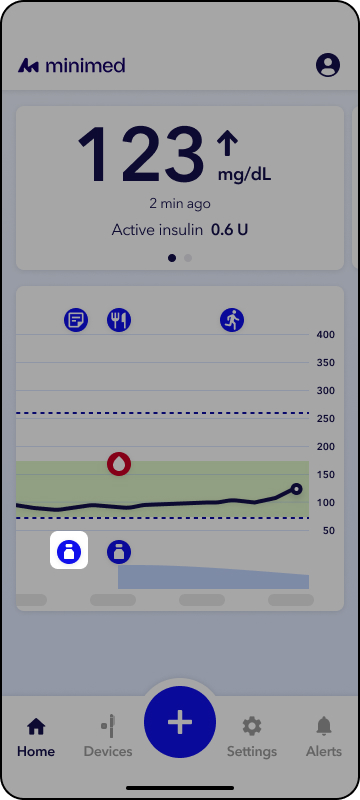
In the event that the app logs a prime as a dose, follow these steps to manually designate a prime dose.
- Open the MiniMed GoTM app.
- From the Home screen, tap the rapid-acting insulin icon
 on the therapy graph.
3. Tap Mark as Prime.