.png)

How to pair your InPenTM smart insulin pen
1. Open the MiniMed GoTM app.
2. Tap Devices.

3. Tap Pair new device.
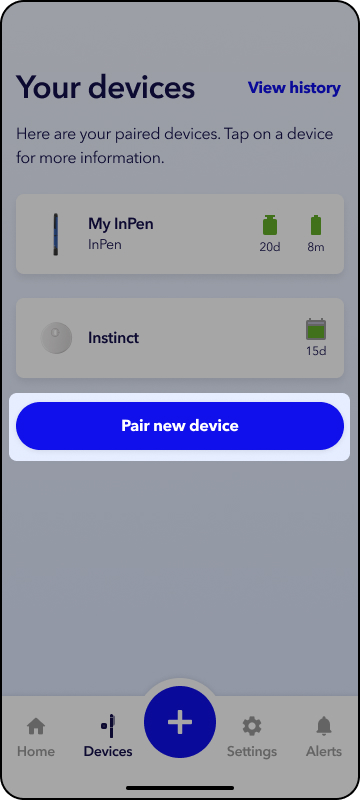
4. Select InPen.
5. Tap Continue.
6. Tap Start now and follow the on-screen prompts to pair your InPen to your mobile device.
Current InPenTM app users, doses might not be recorded accurately in the MiniMed GoTM app if you do not remove your InPen from the InPen app.
In the InPen app, open Settings > My InPens > select your pen > tap Remove.