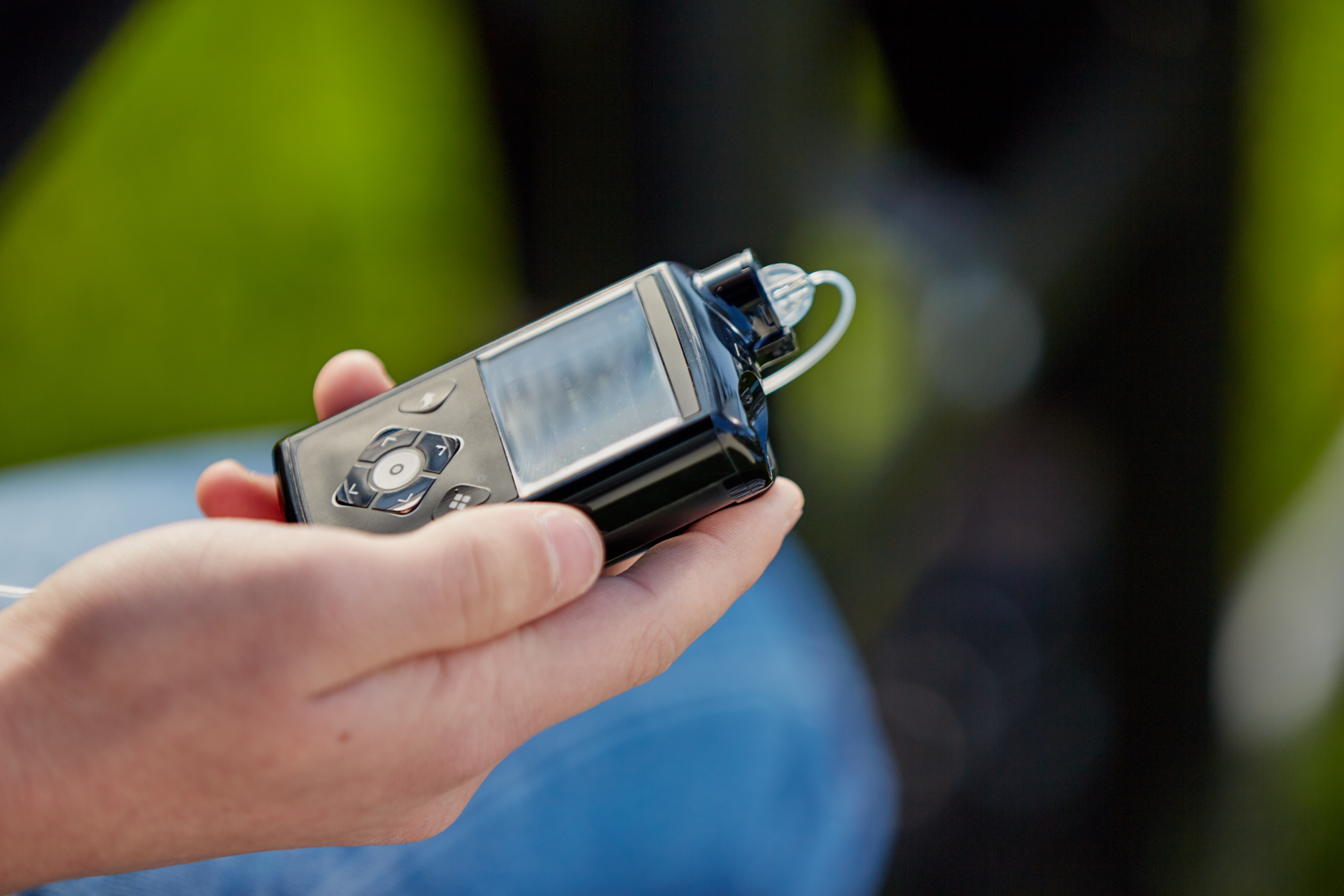
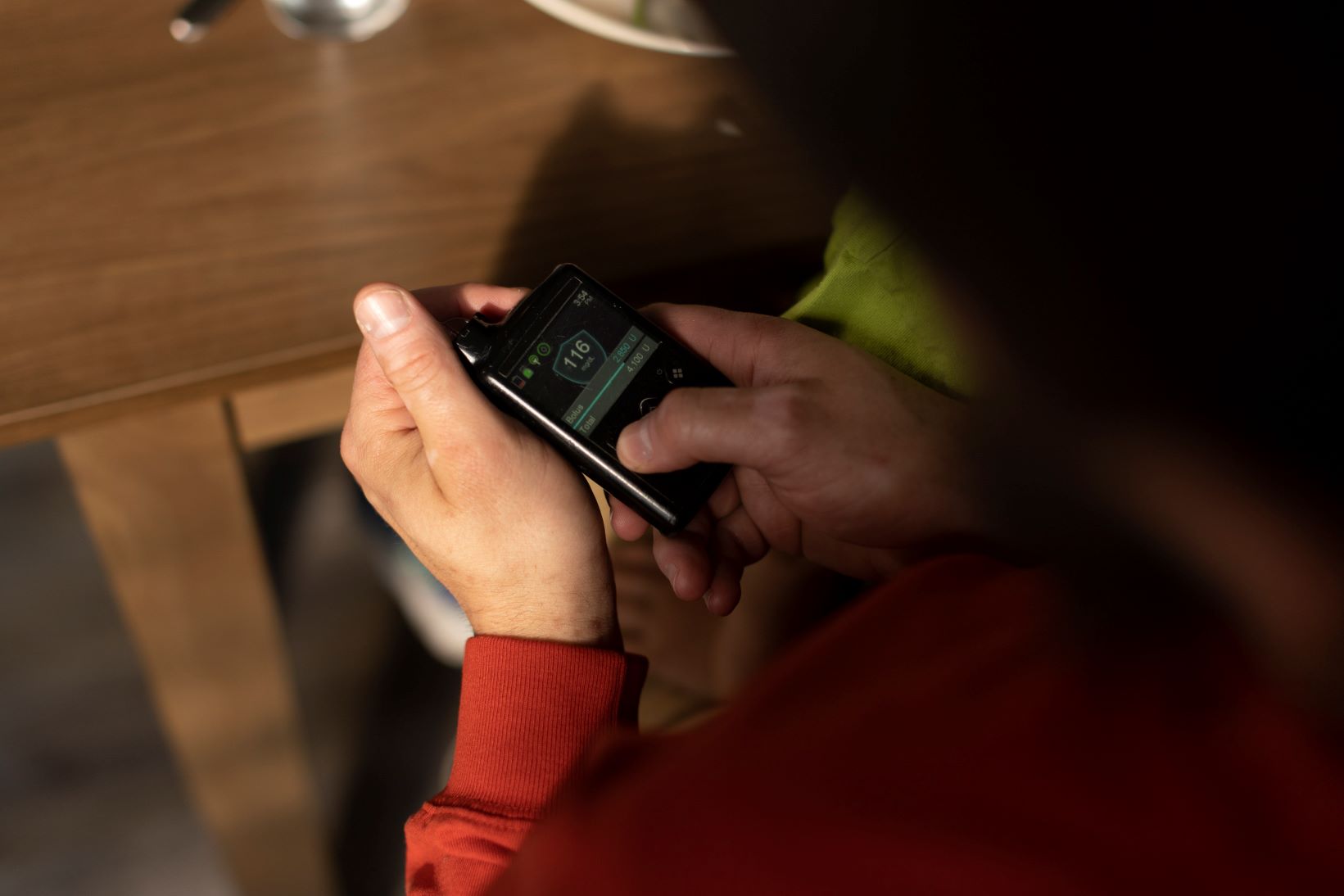
MiniMedTM 780G system training resources

Congratulations on your new system!
You’ll find lots of resources here to help you feel confident and supported during your training journey. 

Step 1: Get ready for training

As soon as your pump arrives, it’s a great idea to start getting familiar with it. These short videos and guides are here to help you feel more confident and prepared before your training session.

Important: Don’t enter any insulin settings into your pump yet. Your trainer will help you with setup during training.

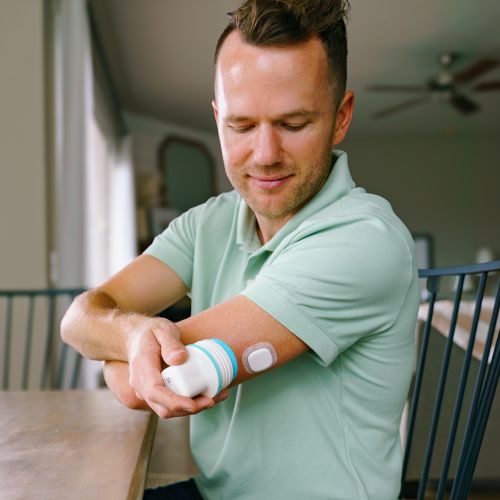
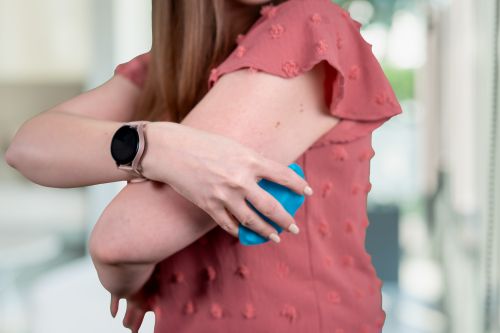
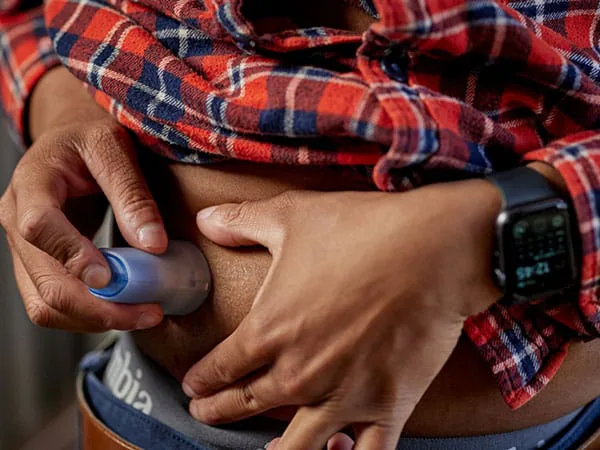
Select your sensor to watch how to insert

Applying you Instinct sensor, made by Abbott

Inserting your Simplera SyncTM sensor

Person applying Guardian 4 sensor Person applying Guardian 4 sensor

Inserting your GuardianTM 4 sensor

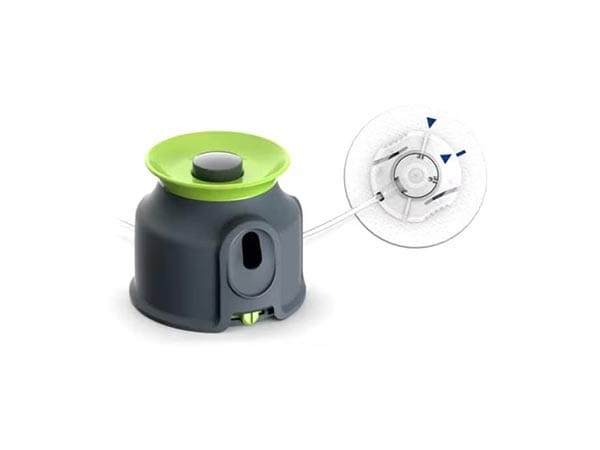
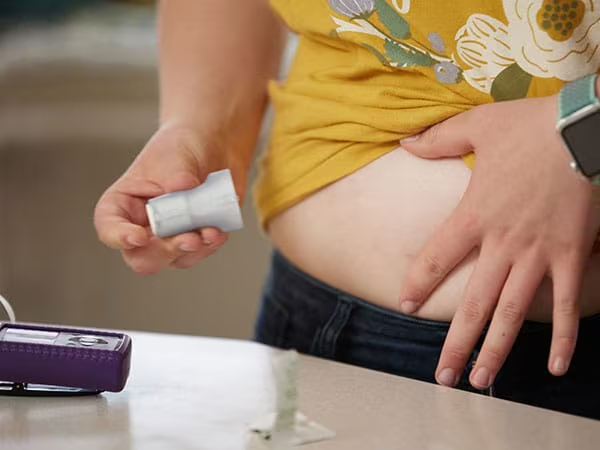
Select your infusion set to watch how to insert

Inserting your ExtendedTM infusion set

Inserting your Quick-setTM infusion set

Inserting your MioTM Advance infusion set

Step 2: Training

You'll be completing your training online at myLearning. These additional resources are here to support you through the process.

Reminder: Don’t enter any insulin settings into your pump until your trainer walks you through it. This helps keep you safe and ensures your system is set up correctly.
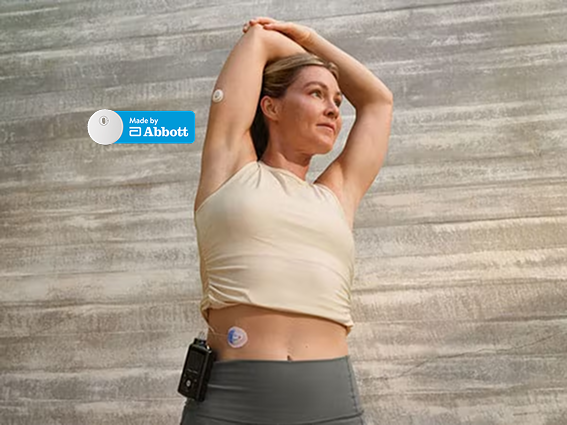
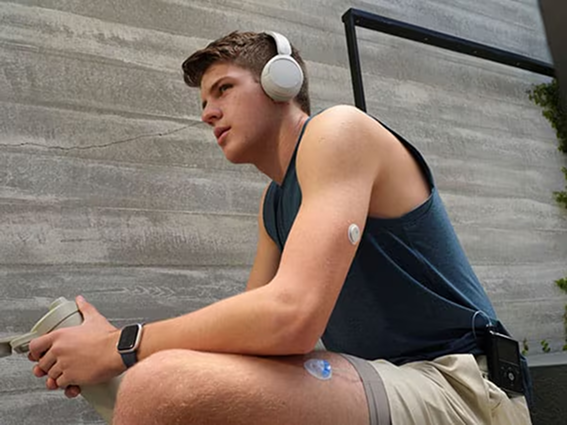
MiniMed Champion Brooke stretching with Instinct sensor MiniMed Champion Brooke stretching with Instinct sensor

MiniMedTM 780G system training guide

Use the guide to follow along during your training session. Select the guide for your sensor.

MiniMed Champion Roman sitting with MiniMed 780G system MiniMed Champion Roman sitting with MiniMed 780G system

MiniMedTM 780G system user guide

See full instructions for use of the MiniMed 780G system.

What's new with the MiniMedTM 780G system

Learn what’s new and different about your MiniMed 780G system.

Step 3: After training

Now that your MiniMedTM 780G system is up and running, these resources can help you feel more confident and get the most out of your therapy.
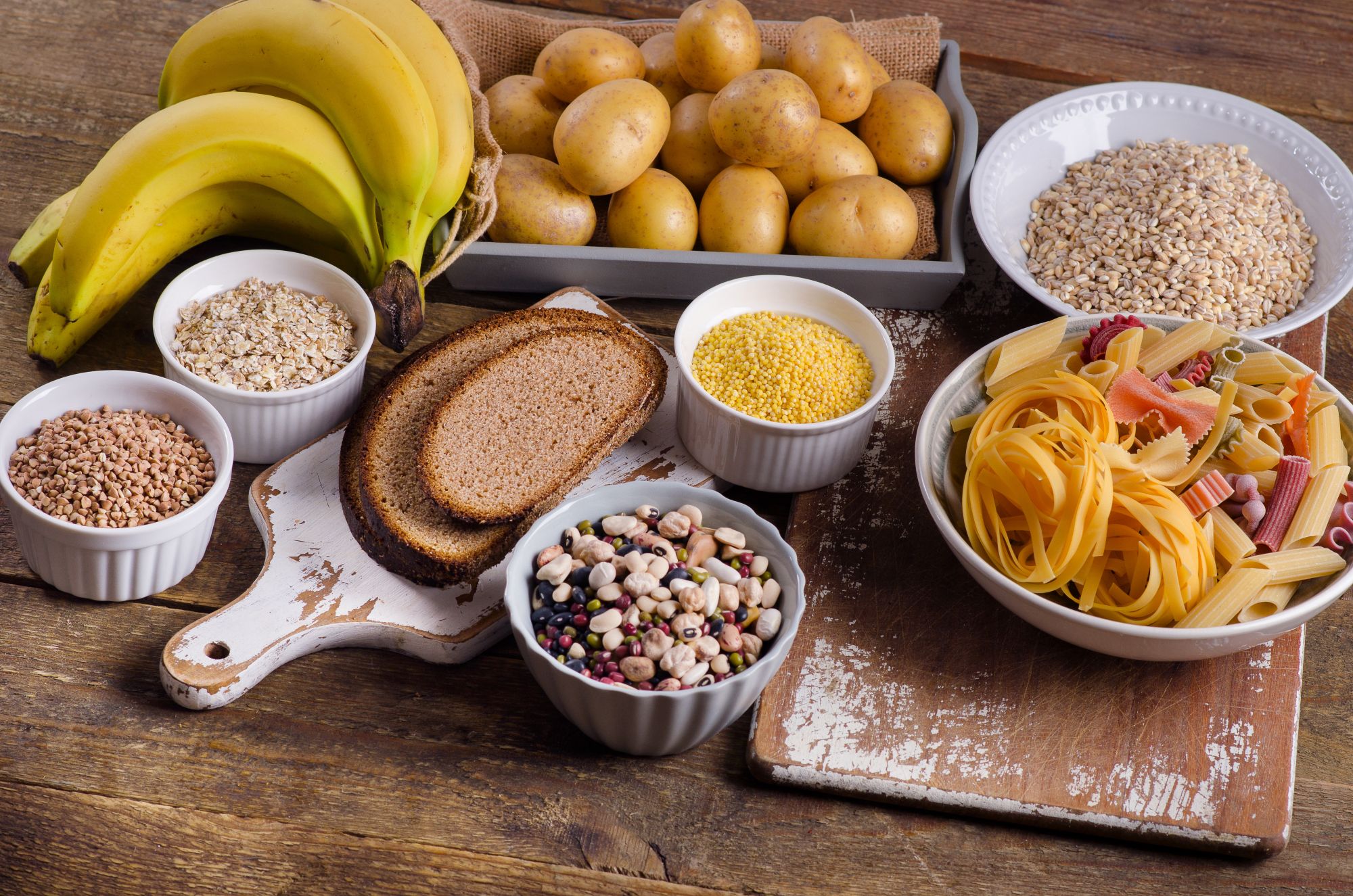

Assorted bread Assorted bread

Estimating carbs

Use this guide to see examples of carb counts for common foods.

Woman exercising with MiniMed 780G system Woman exercising with MiniMed 780G system

Understanding Temp Target

Learn when and how to use the Temp Target feature.

Close up MiniMed 780G pump in hand Close up MiniMed 780G pump in hand

Bolusing in SmartGuard technology

Learn how to deliver boluses when in SmartGuardTM technology.

Close up MiniMed 780G bolusing screen Close up MiniMed 780G bolusing screen

Entering recommended settings

Learn how to enter the recommended SmartGuard settings.

Ordering diabetes supplies

Learn how to order supplies on Diabetes.shop.