.png)


MiniMed GoTM system training support
The MiniMed Go app will walk you through using your new system. On this page are some extra support resources should you need them before, during or after starting your system.
If you have any questions, please contact our 24-hour technical support at 1-800-646-4633.
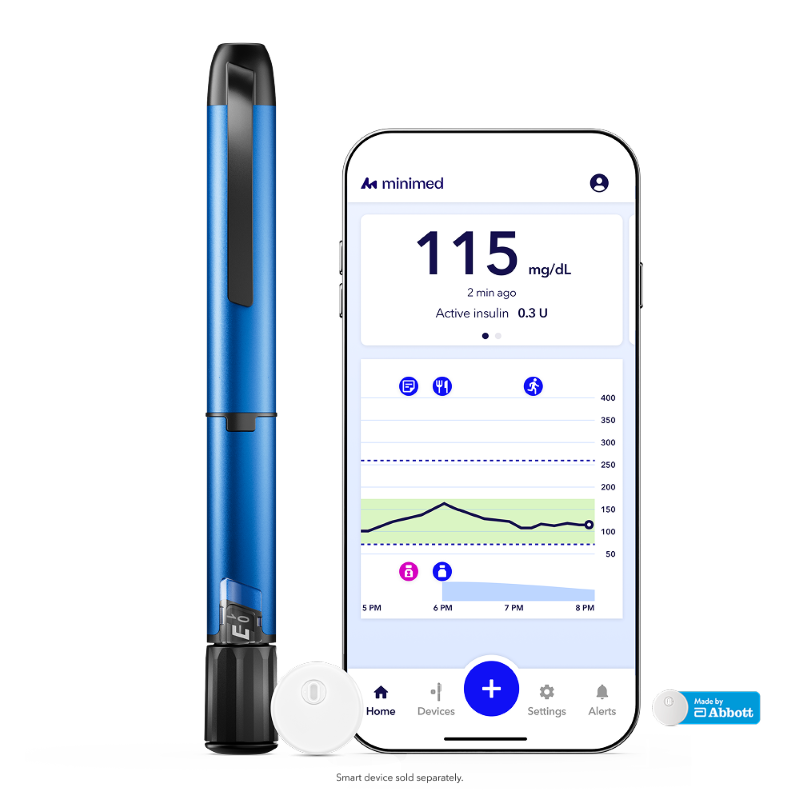
Start downloading the app
Current MiniMed customers using the InPenTM and SimpleraTM apps should transition to using the MiniMed Go app now. You will need a CareLinkTM Personal account. Just follow the in-app steps to register. Your CareLink Personal account allows care partners and your healthcare team to see your data.


Gather your supplies
Before you begin, make sure you have these items ready.
- Compatible mobile device
Check device compatibility - InPen smart insulin pen (Note: you can setup the app with only your compatible sensor.)
- Compatible sensor (Note: you can setup the app with only your InPen.)
- Insulin pen needles
- Insulin cartridge
- Alcohol wipes
Pairing your products
The MiniMed Go app will walk you through setup of your compatible sensor and InPen. For additional support, check out these resources.
Compatible sensor
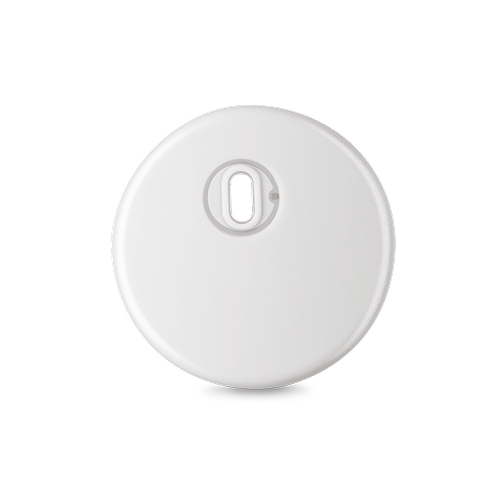
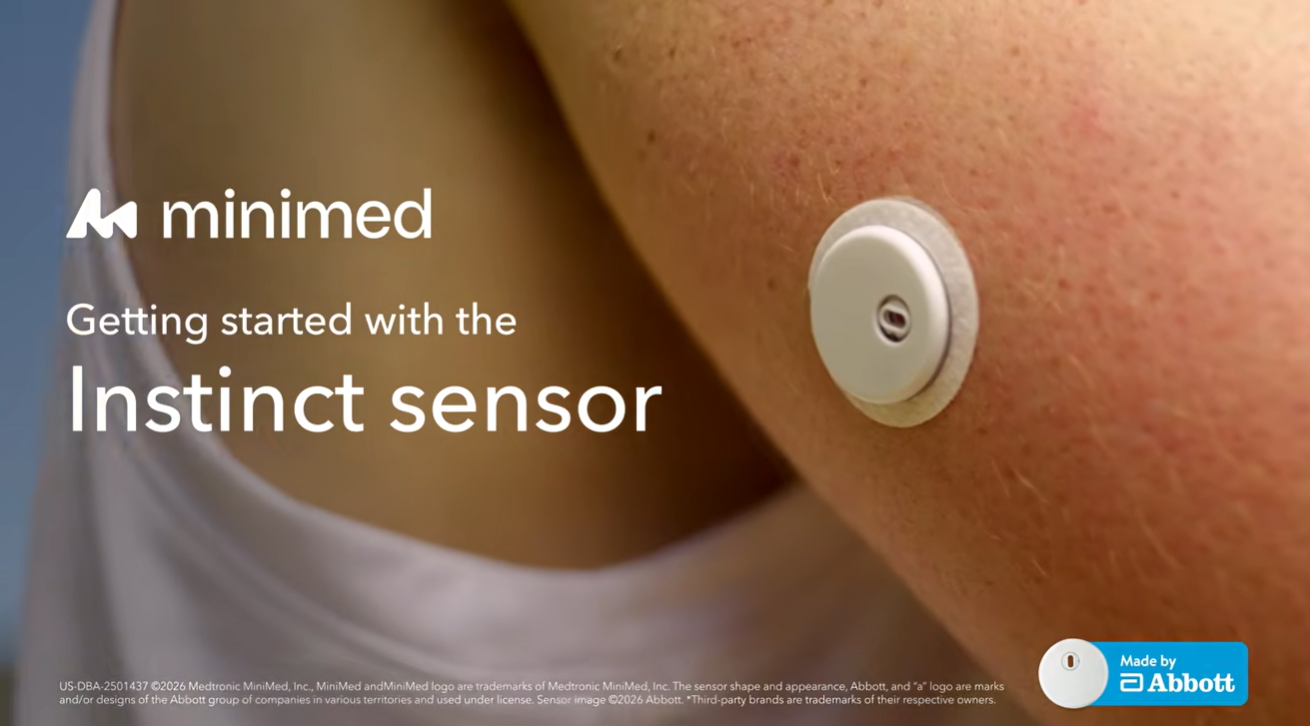
Instinct sensor, made by Abbott
Program your therapy settings
The insulin settings for the MiniMed Go app should be provided by your healthcare team. You will need the following:
- Long-acting insulin settings
- Rapid-acting insulin settings and Meal therapy type
- Glucose alerts
Learn more about how to edit your therapy settings.
Actionable alerts
We know diabetes technology can sometimes feel overwhelming — especially when there are too many alerts and alarms. It's easy to start tuning them out.
Missed dose and Correct high glucose alerts are designed to support you and only show up when action is needed to help keep your glucose in range. Real-world data showed that users who responded to these alerts more often and quickly saw better glucose results.1
Additional resources





Reference
- Laurenzi A, et al. Insights into the effective use of the Smart MDI system: Data from the first 1852 type 1 diabetes users. Diabet Med. 2025; 00:e70161. doi:10.111/dme.70161.