.png)

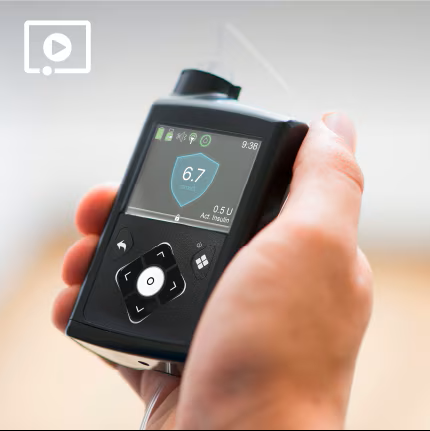
Assistance au Produit MiniMedMC 770G
Vous trouverez ici les ressources dont vous avez besoin pour commencer. Veuillez compléter toutes les étapes de la formation, sans oublier de consulter les livrets et de regarder les vidéos, afin de garantir votre succès et de vous préparer à une formation supplémentaire.
Dans les quelques jours suivant la réception de votre colis, votre représentant désigné de Bon Départ vous appellera, pour s'assurer que vous vous préparez à la formation et le soutien dont vous avez besoin.
Si vous avez hâte de commencer et que vous n’avez pas encore reçu l’appel du représentant de Bon Départ, vous pouvez lui envoyer un courriel à medtronicstartright@medtronic.com
Il est très facile de se lancer : À VOS MARQUES (avant la formation) , PRÊTS (pendant la formation) , PARTEZ (après la formation)! Sélectionnez l’option qui vous décrit le mieux. N’hésitez pas à ajouter cette page à vos favoris afin de pouvoir consulter facilement les vidéos et les ressources utiles qui s’y trouvent.

À vos marques
Prendre le temps de suivre les éléments de formation À VOS MARQUES assurera votre réussite et doivent être complétés avant d'assister à votre formation. Commençons par vérifier votre préparation pour la formation sur votre pompe. Si votre formateur vous recommande de commencer par la mesure du glucose en continu (CGM) ou en même temps que votre pompe, veuillez consulter l'étape PRÊTS ci-dessous pour connaître l'état de préparation de la formation sur le CGM.

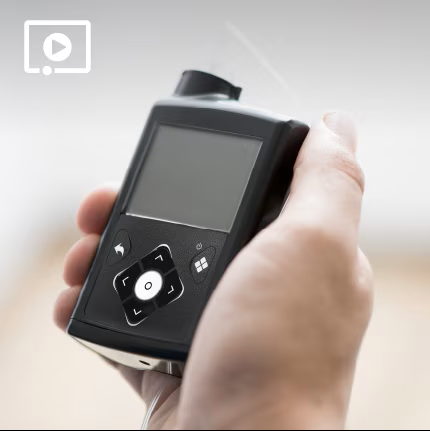
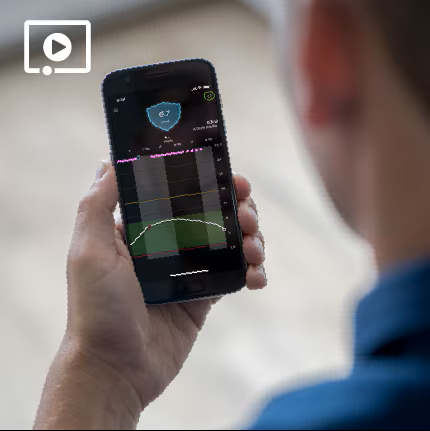

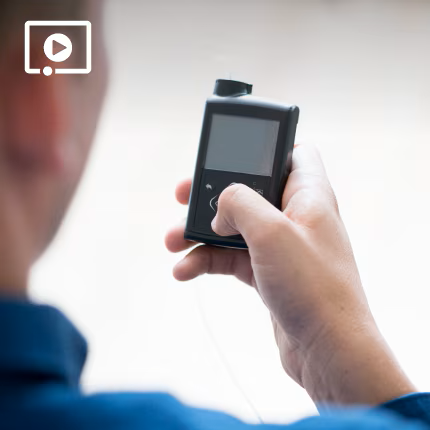
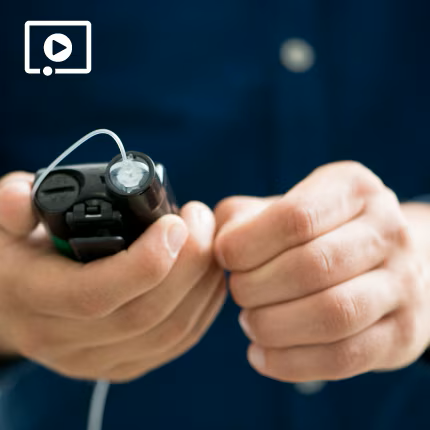
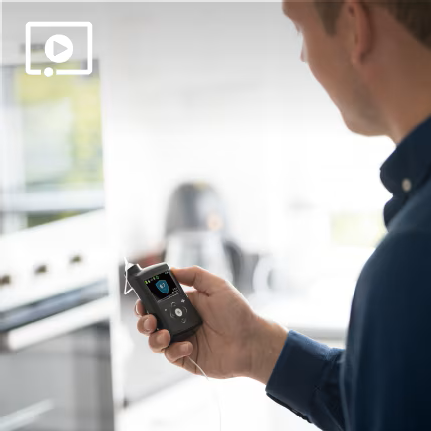
Nous vous félicitons d'avoir complété le stade À VOS MARQUES! Pour sélectionner votre option de formation, procédez au stade PRÊTS ci-dessous.
Prêts
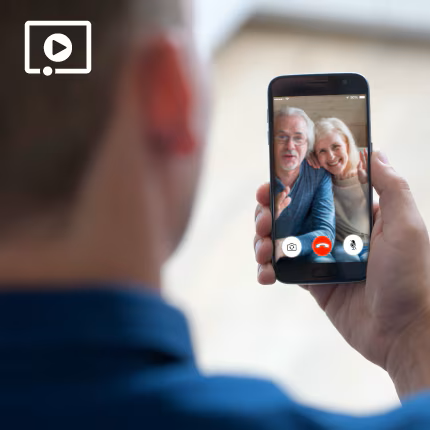
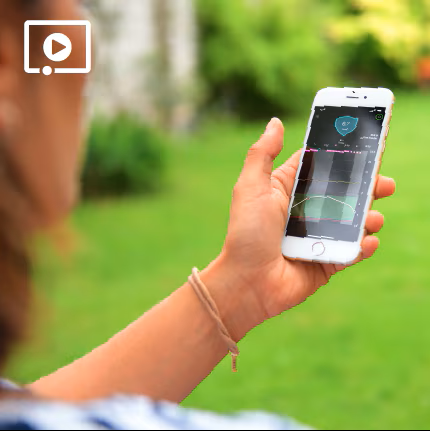
Si vous avez l’intention d’utiliser l’application CareLinkMC Connect et que jusqu’à 5 partenaires de soins suivent vos données sur le diabète sur leur téléphone intelligent, voici deux éléments pour vous aider.
Allez-vous aussi utiliser la mesure du glucose en continu (CGM)?
Ces ressources vous aideront à vous préparer à la formation.

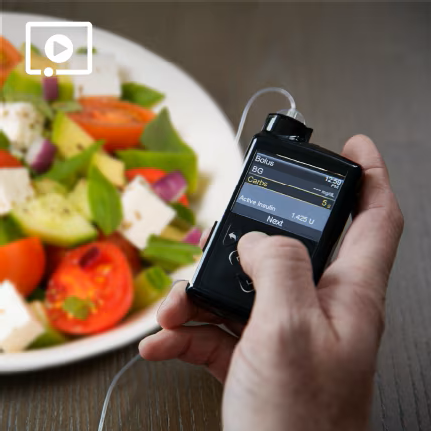
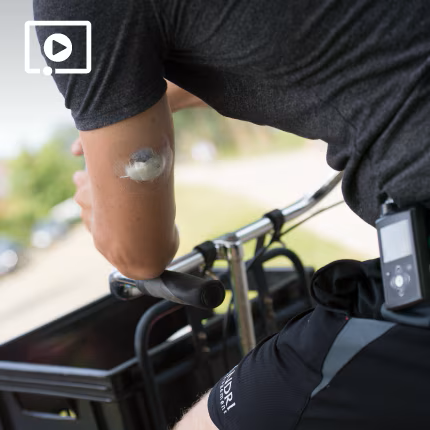
Allez-vous aussi utiliser le Mode Auto?
Ces ressources vous aideront à vous préparer à la formation.
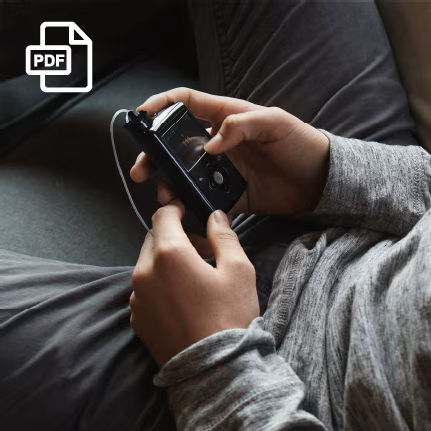
Partez
Maintenant que vous utilisez votre pompe à insuline, voici quelques ressources utiles supplémentaires.
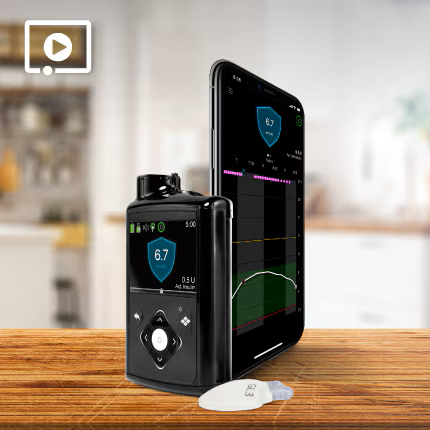

Une fois votre formation terminée, signez les listes de vérification de formation correspondantes avec votre formateur certifié.
Pour accéder à votre copie digitale du manuel d’utilisation du système, veuillez, cliquer ici.
À vos marques
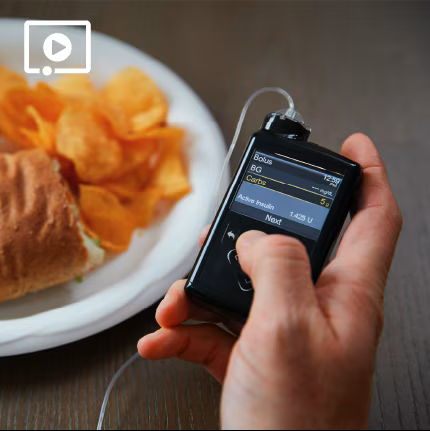
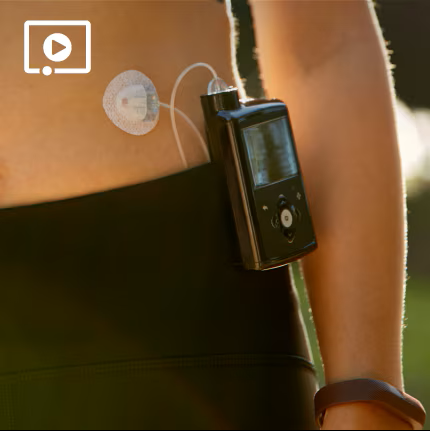
Nous savons que vous avez hâte d’utiliser votre nouvelle pompe et que vous avez aussi peut-être l’intention d’utiliser la mesure du glucose en continu (CGM) et le Mode Auto. Que votre pompe actuelle soit un système MiniMedMC ou autre, prendre le temps de suivre les éléments de formation À VOS MARQUES assurera votre réussite et doivent être complétés avant de participer à toutes options de formation supplémentaire (cours de groupe ou individuel).

Allez-vous aussi utiliser la mesure du glucose en continu (CGM)?
Ces ressources vous aideront à vous préparer à la formation.
Prêts
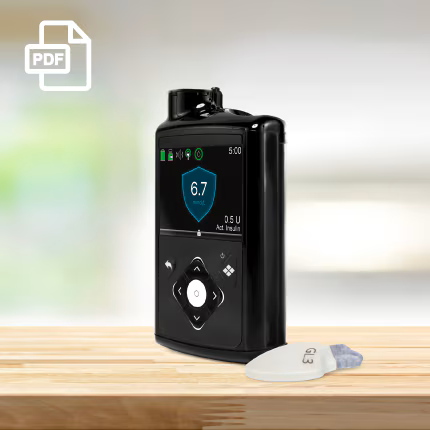
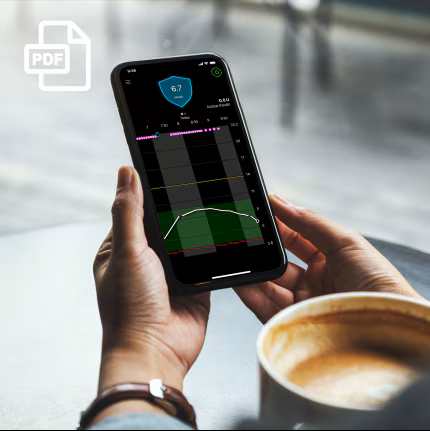
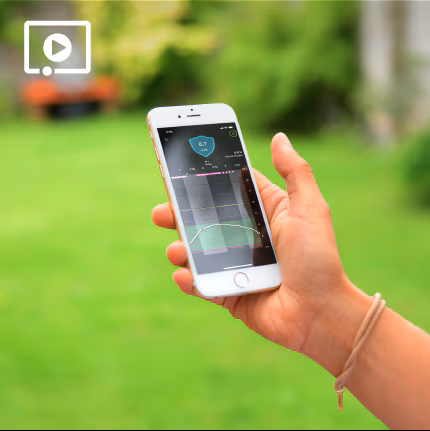
Si vous avez l’intention d’utiliser l’application CareLinkMC Connect et que jusqu’à 5 partenaires de soins suivent vos données sur le diabète sur leur téléphone intelligent, voici deux éléments pour vous aider.
Allez-vous aussi utiliser le Mode Auto?
Ces ressources vous aideront à vous préparer à la formation.
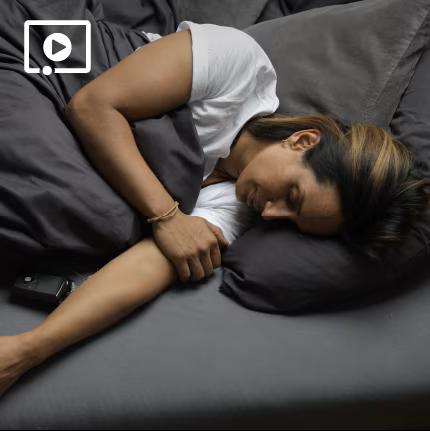
Partez
Maintenant que vous utilisez votre pompe à insuline, voici quelques ressources utiles supplémentaires.
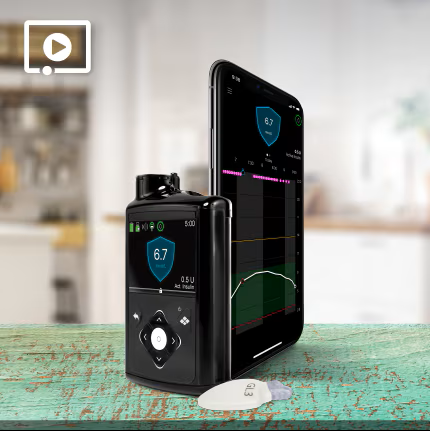
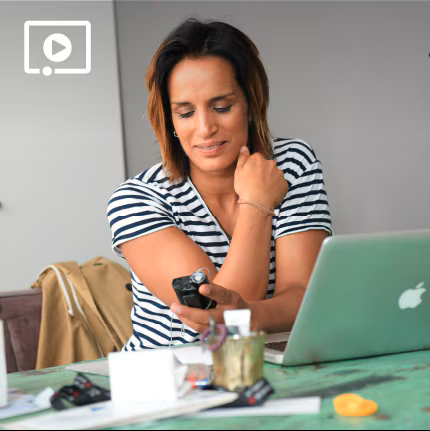
Une fois votre formation terminée, signez les listes de vérification de formation correspondantes avec votre formateur certifié. Si vous vous êtes initié et démarré au système par vous même, assurez-vous d’en aviser votre représentant de Bon Départ.
Pour accéder à votre copie digitale du manuel d’utilisation du système, veuillez cliquer ici.
À vos marques
Nous savons que vous êtes emballé de retourner au Mode Auto avec votre nouveau système, alors nous avons préparé des ressources de formation pour vous! Prendre le temps de suivre les éléments de formation À VOS MARQUES assurera votre réussite et doivent être complétés avant de participer à toutes options de formation supplémentaire (cours de groupe ou individuel).

Nous vous félicitons d'avoir complété le stade À VOS MARQUES! Pour sélectionner votre option de formation, procédez au stade PRÊTS ci-dessous.
Prêts
Si vous avez l’intention d’utiliser l’application CareLinkMC Connect et que jusqu’à 5 partenaires de soins suivent vos données sur le diabète sur leur téléphone intelligent, voici deux éléments pour vous aider.

Vous voulez rafraîchir vos connaissances sur la formation du CGM ou du Mode Auto?
Ces ressources sont là pour vous.

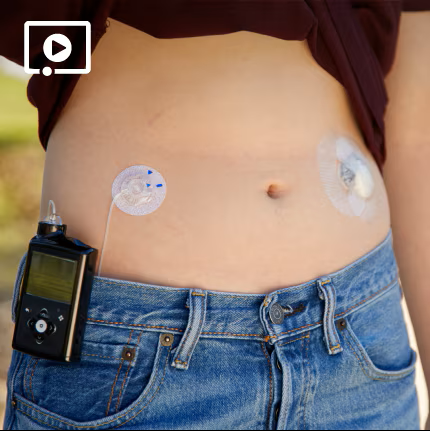

Partez
Maintenant que vous utilisez votre système, voici quelques ressources utiles supplémentaires.
Une fois votre formation terminée, signez les listes de vérification de formation correspondantes avec votre formateur certifié. Si vous vous êtes initié et démarré au système par vous même, assurez-vous d’en aviser votre représentant de Bon Départ.
Pour accéder à votre copie digitale du manuel d’utilisation du système, veuillez cliqueer ici.
Quelques conseils utiles à garder à l'esprit

Parlez toujours à votre fournisseur de soins de santé des réglages adéquats pour votre pompe à insuline, de la mesure du glucose en continu (CGM), du Mode Auto, ainsi que du bon moment pour commencer.

Besoin de soutien technique?
Vous avez accès à de l’aide 24 heures, 7 jours par semaine au 1 800 284-4416

Il peut être utile d’enregistrer le numéro ci-dessus dans la liste de contacts de votre téléphone.

Si vous avez besoin d’aide de la part de votre professionnel de la santé, de votre formateur certifié ou du service de soutien technique, ils seront plus à même de vous aider si vous téléversez vos renseignements sur CareLinkMC avant de leur parler.

Vous avez oublié les coordonnées de votre représentant Bon Départ? Envoyez un courriel à medtronicstartright@medtronic.com.