.png)

Not all insulin pumps are created equal
See how the MiniMedTM 780G system compares.
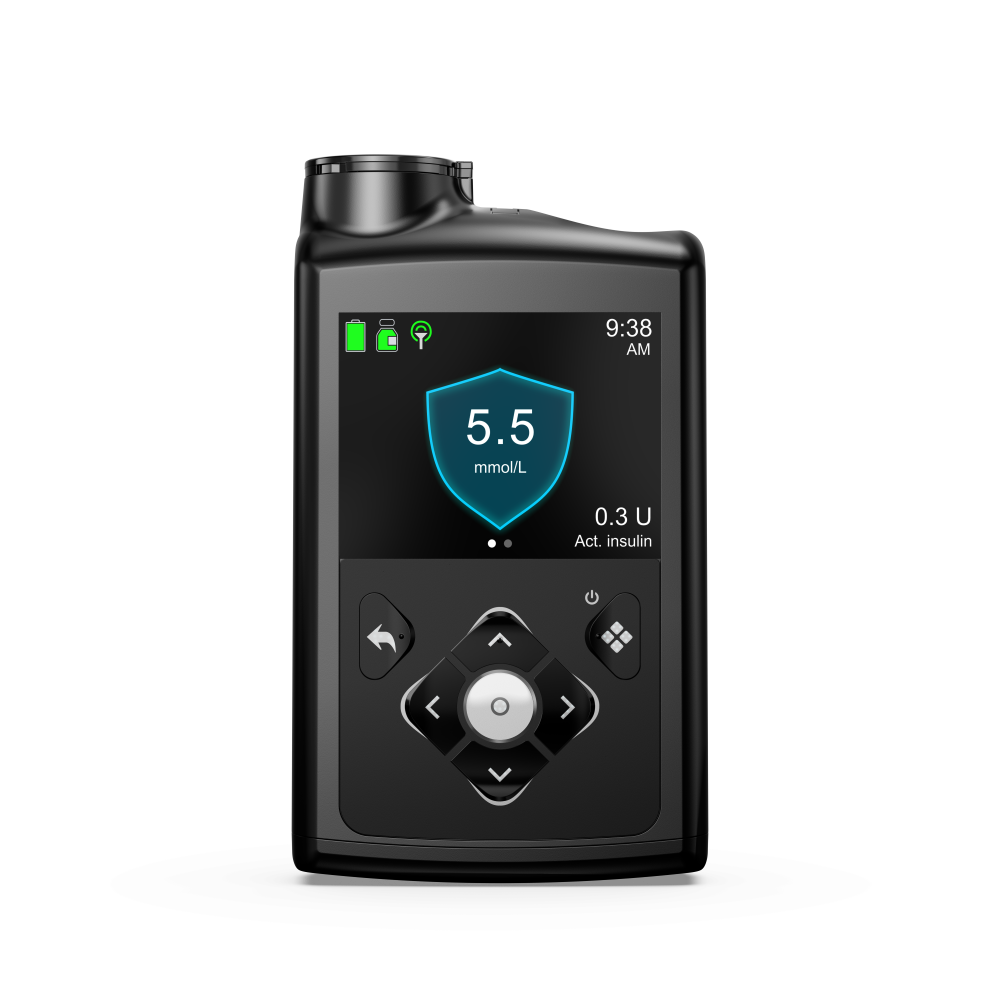
Compare latest insulin pump systems
|
|
Omnipod® 51 |
Tandem T:Slim X2 Insulin Pump with Control-IQ+ Technology2 |
|
|---|---|---|---|
|
Auto correction bolus |
Every 5 mins |

|
Every 60 mins |
|
Automated basal delivery |
Yes‡ |
Yes |
Yes |
|
Compatible infusion set for up to 7-day wear |

|
|
|
|
Flexible glucose target |
|
|
|
|
Max insulin capacity |
300 units |
200 units |
300 units (T:slim) |
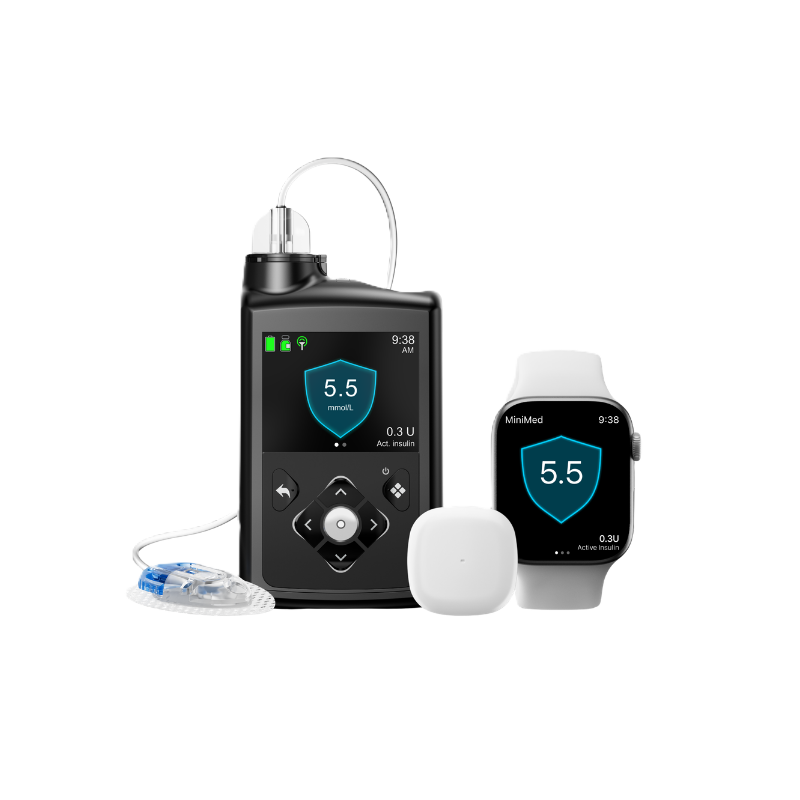
Replace your infusion set less often
Only the MiniMedTM 780G system with the ExtendedTM infusion set can be worn for up 7 days — that’s twice as long as any other infusion set on the market.†
You deserve life with fewer interruptions — make the switch!


Don’t let your current diabetes technology hold you back!
If you currently use an in-warranty insulin pump from another manufacturer, you may be eligible for our SmartSwitch program when you trade in your current device.
Customer reviews
Real feedback from people taking control of their diabetes management.

“On my old pump, if I had dessert and I accidentally forgot to bolus, I would go high overnight. Now with the MiniMedTM 780G system's auto correction feature, my sugar levels are stabilized in the morning and I feel refreshed! I’m able to go for a run. I feel more like myself again!”
Geoffrey
Living with type 1 diabetes since 2015
Switched to the MiniMedTM 780G system December 2023

“I love that I don’t have to stress about counting my carbs. I don’t have to guess so much. The MiniMedTM 780G system can give me an automatic bolus correction every 5 minutes. I get to do what I want. I get to eat what I want. And it has my back!”
Jasmine
Living with type 1 diabetes since 2019
Switched to the MiniMedTM 780G system July 2023
Footnotes
† Compared to 3-day infusion sets.
‡ Refers to SmartGuardTM feature. Individual results may vary.
◊ Taking a bolus 15 – 20 minutes before a meal helps to keep blood sugar levels under control after eating.
References
- Omnipod® 5 user guide
- T:slim X2TM with control IQ user guide