.png)

I currently use the MiniMedTM 670G or 770G in SmartGuardTM Auto Mode
Ready
As someone using a full MiniMedTM system, these resources will help you get started! Take your time exploring all the training resources and ensure you get connected with your StartRight Representative.
Open the Virtual Demo Pump to practice while you learn, or feel free to practice on your new MiniMedTM 780G pump.
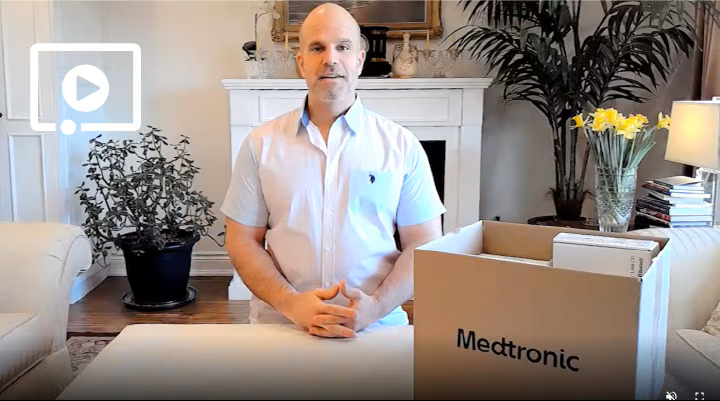



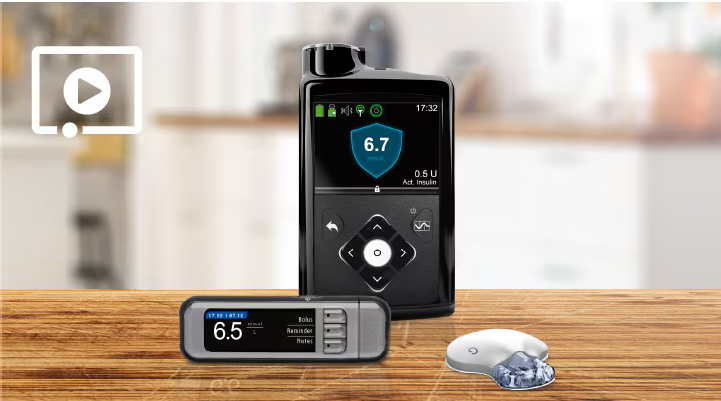
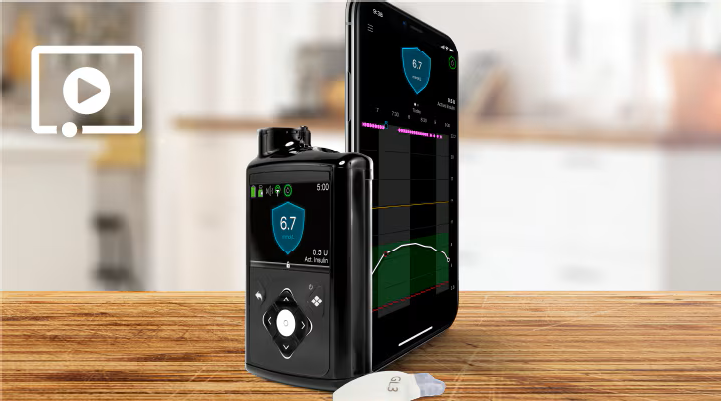
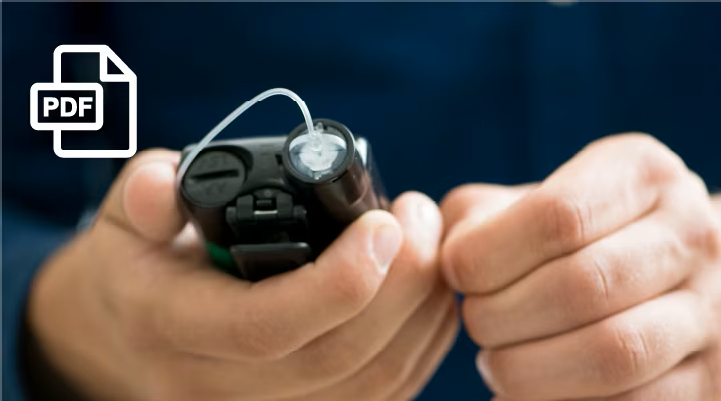
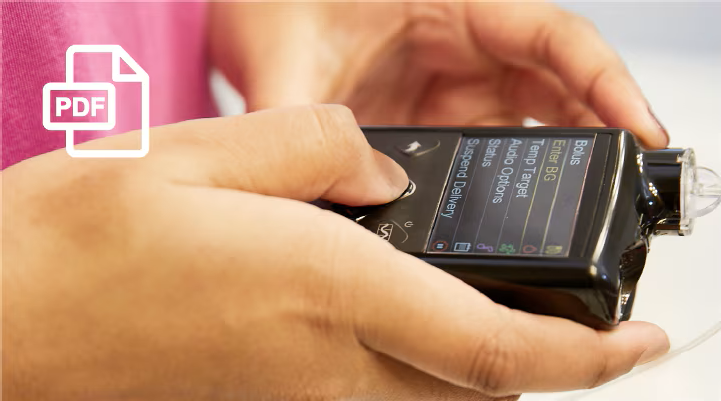

Now that you've completed the READY training phase, continue down to SET and you have 3 options for training: starting yourself (if you feel comfortable doing so), attending a live virtual training class or scheduling a one-on-one training with a certified trainer.
Please confirm with your StartRight representative which option is right for you.
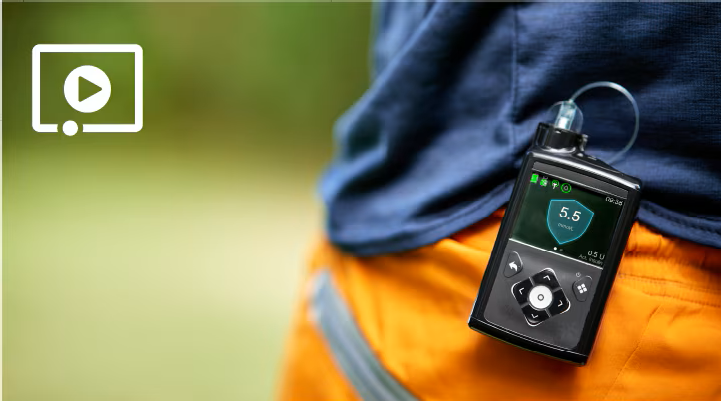

If you're now on your pump system and ready for some additional training including the CareLinkTM Connect app for your care partners, continue down to GO.
Go
Now that you're using your insulin pump system, here are a couple more helpful resources:
Have care partners who want to use the CareLinkTM Connect app or curious about your pump's additional features in Manual Mode?

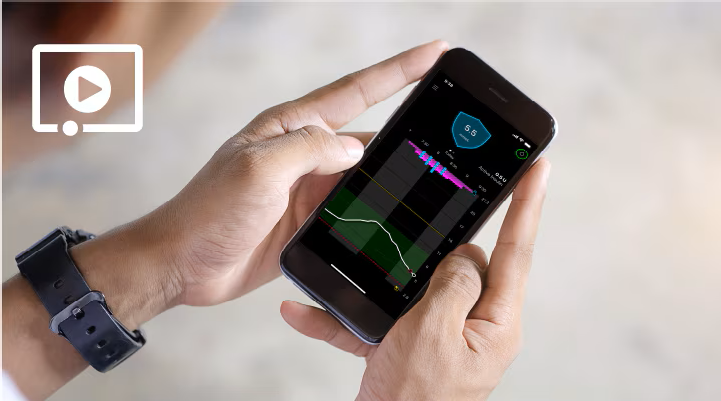
A few helpful things to keep in mind:
Always speak to your healthcare provider about the correct settings for your insulin pump, CGM and SmartGuardTM and the right timing to get started.
Need technical support?
You have 24/7 access at 1-800-284-4416
If you are looking for support from your healthcare provider, certified trainer or technical support, they can better assist you if you upload your information to CareLinkTM Personal before you speak to them.
Forgot your StartRight representative contact information?
Email them at medtronicstartright@medtronic.com.