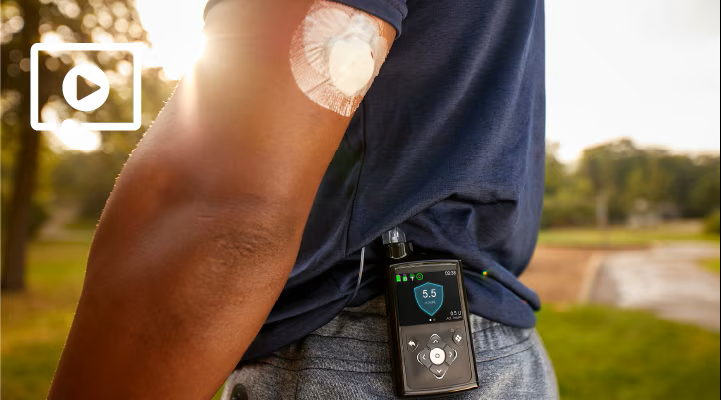
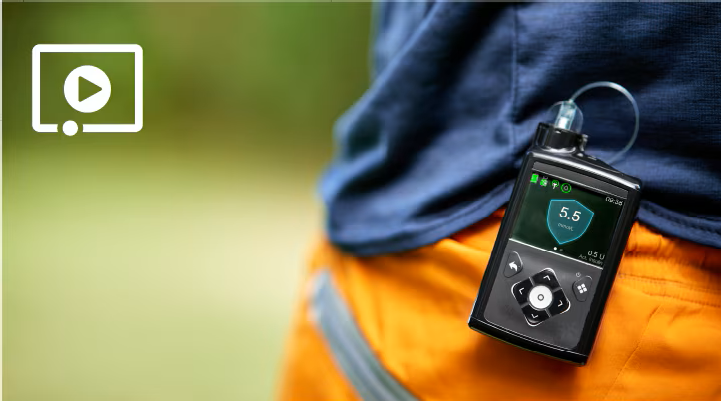
This is my first insulin pump

Ready

As a new pump user, these resources will help you get started! Take your time exploring all the training resources and ensure you get connected with your StartRight representative.

Open the Virtual Demo Pump to practice while you learn, or feel free to practice on your new MiniMedTM 780G pump.

Step 1

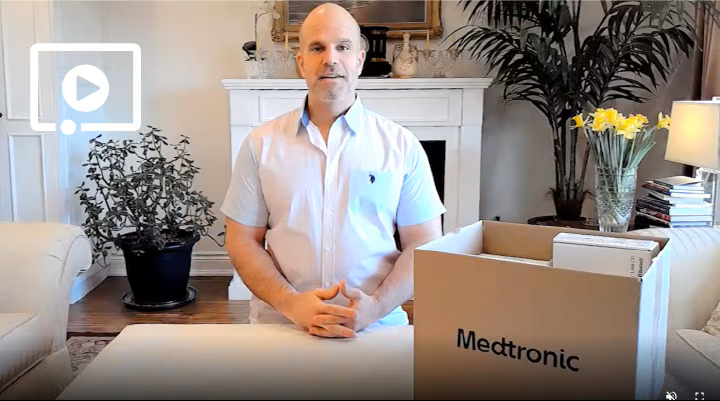
Unboxing Your System -
COMING SOON!

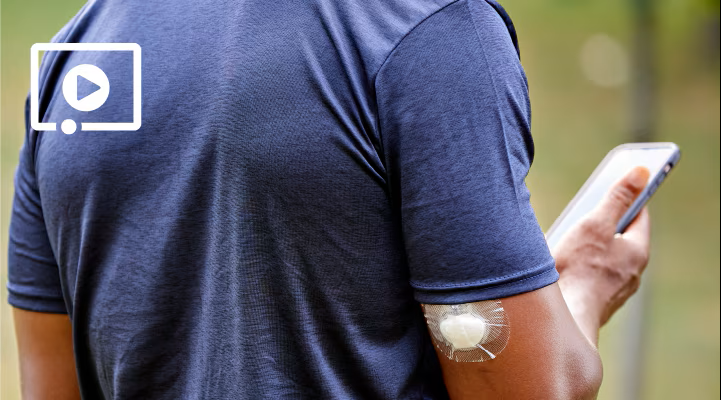
Unpacking your system together to ensure you have everything you need to get started.

Step 2

Quick start guide

A step-wise guide to get started on the MiniMedTM 780G system.

Step 3

Pumping - the basics

Exploring how a pump works and common questions about starting a pump for the first time. 

Step 4

Let's get connected

Pairing your meter, transmitter and getting started on the MiniMedTM Mobile app.  

Step 5

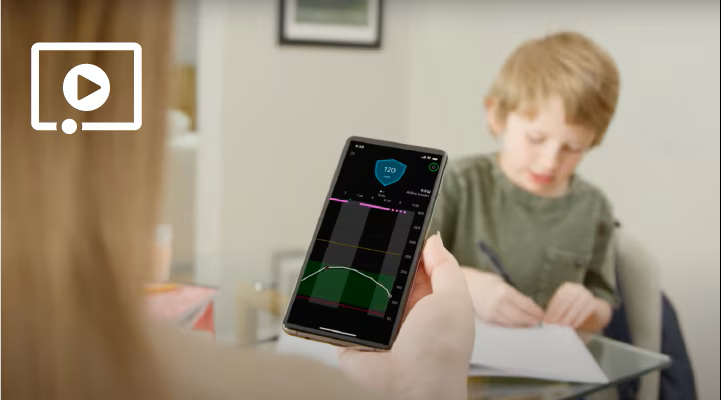
MiniMedTM Mobile App getting started

A step-by-step guide to get started on the MiniMedTM Mobile app including setup, notifications, your home screen and more. 

What's new

GuardianTM 4 sensor

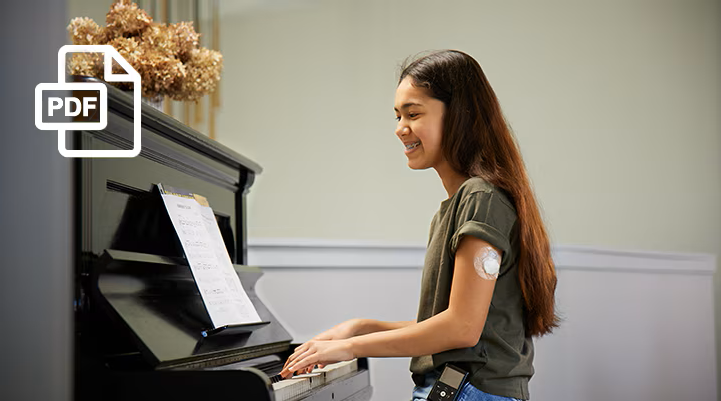
Review the patient What's New Training Flyer for a review of changes between GuardianTM sensor (3) to GuardianTM 4 sensor.

Here are some additional resources you might find helpful.

Pumping - a day in the life

Reviewing some of your daily tasks while on a pump including bolusing, managing alerts and alarms.

Insulin delivery settings

Programming your insulin delivery settings to get started including basal and bolus setup.

Reservoir and tubing

Demonstrating a reservoir and tubing fill and inserting an infusion set.

INTRODUCTION TO CGM

Using Continuous Glucose Monitoring (CGM) for the first time?

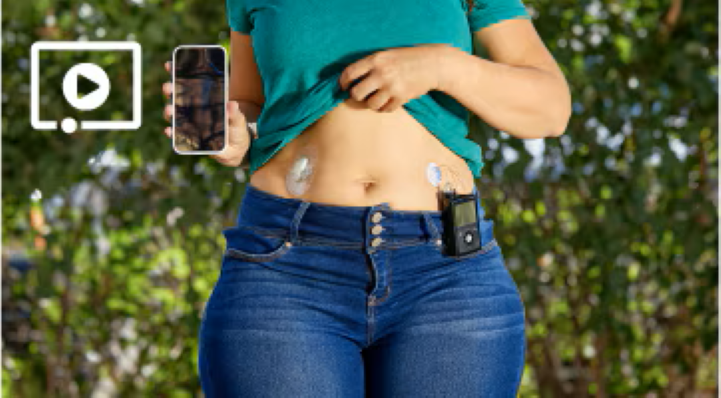
This video will take you through the basics.

Now that you've completed the READY training phase, continue down to SET and you have 2 options for training: attending a live virtual training class or scheduling a one-on-one training with a certified trainer.

Please confirm with your StartRight representative which option is right for you.

medtronicstartright@medtronic.com

Contact your StartRight representative to access training

|

Email them at medtronicstartright@medtronic.com.

Set

Ready for CGM and SmartGuardTM training?

Step 6

CGM - Insertion, programming and quick start

Starting CGM including sensor insertion, glucose alert setup and BG required.

Step 7

Sucess with SmartGuardTM

Engaging SmartGuardTM for the first time including how it works and tips for success.

If you're now on your pump system and ready for some additional training including the CareLinkTM Connect app for your care partners, continue down to GO.

Go

Have care partners who want to use the CareLinkTM Connect app or curious about your pump's additional features in Manual Mode?

Step 8

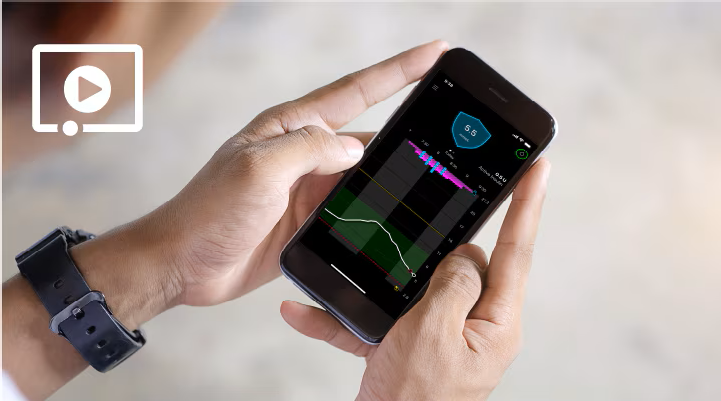
CareLinkTM Connect Getting Started Guide

A step-by-step guide to get started on the CareLinkTM Connect app including setup, notifications, your home screen and more.

Step 9

CareLinkTM Connect app

Setting up and using the CareLinkTM Connect app for your care partners.

Step 10

Pumping — additional features

Learning about additional pump functionality in Manual Mode, including bolus options and basal patterns.

780G + GS3 system user guide

780G + G4S system user guide

A few helpful things to keep in mind:

Always speak to your healthcare provider about the correct settings for your insulin pump, CGM and SmartGuardTM and the right timing to get started.

Need technical support?

You have 24/7 access at 1.800.284.4416

If you are looking for support from your healthcare provider, certified trainer or technical support, they can better assist you if you upload your information to CareLinkTM Personal before you speak to them.

Forgot your StartRight representative contact information?

Email them at medtronicstartright@medtronic.com.