.png)


4 Instinct sensor tips: Small habits that make a big difference
Published: September 23, 2026 Read time: 3 minutes
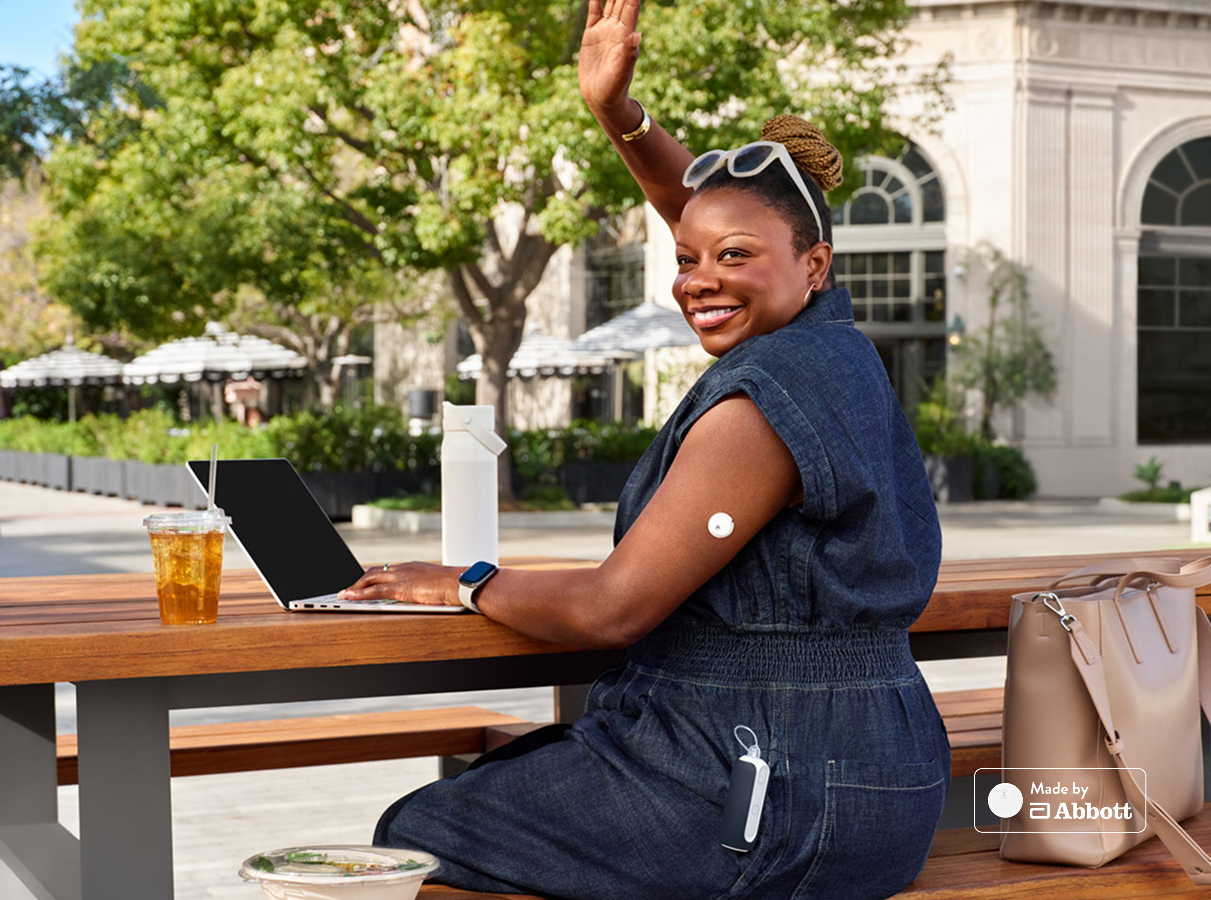
Getting the most out of your Instinct sensor, made by Abbott, starts with knowing how to use it properly. Whether you're just getting started or looking to fine-tune your experience, these four practical tips can help you get accurate readings, maintain a strong connection, and feel confident every day. Small habits can make a big difference — let's walk through them together.
Tip #1: Find your sweet spot
Placement matters more than you might think.
The Instinct sensor is designed and approved to be worn on the back of the upper arm — and for good reason. This location offers optimal sensor performance and longevity.
When choosing your exact spot, keep these in mind:
✅ Look for a flat area on the back of your upper arm
✅ Make sure you can "pinch an inch" of skin
✅ Avoid areas with scar tissue from previous insertions
Rotating your sensor site within this area can help keep skin healthy and improve long-term wear comfort.
Tip #2: Prep is important
A little preparation goes a long way. Clean skin is the foundation of a successful sensor session.
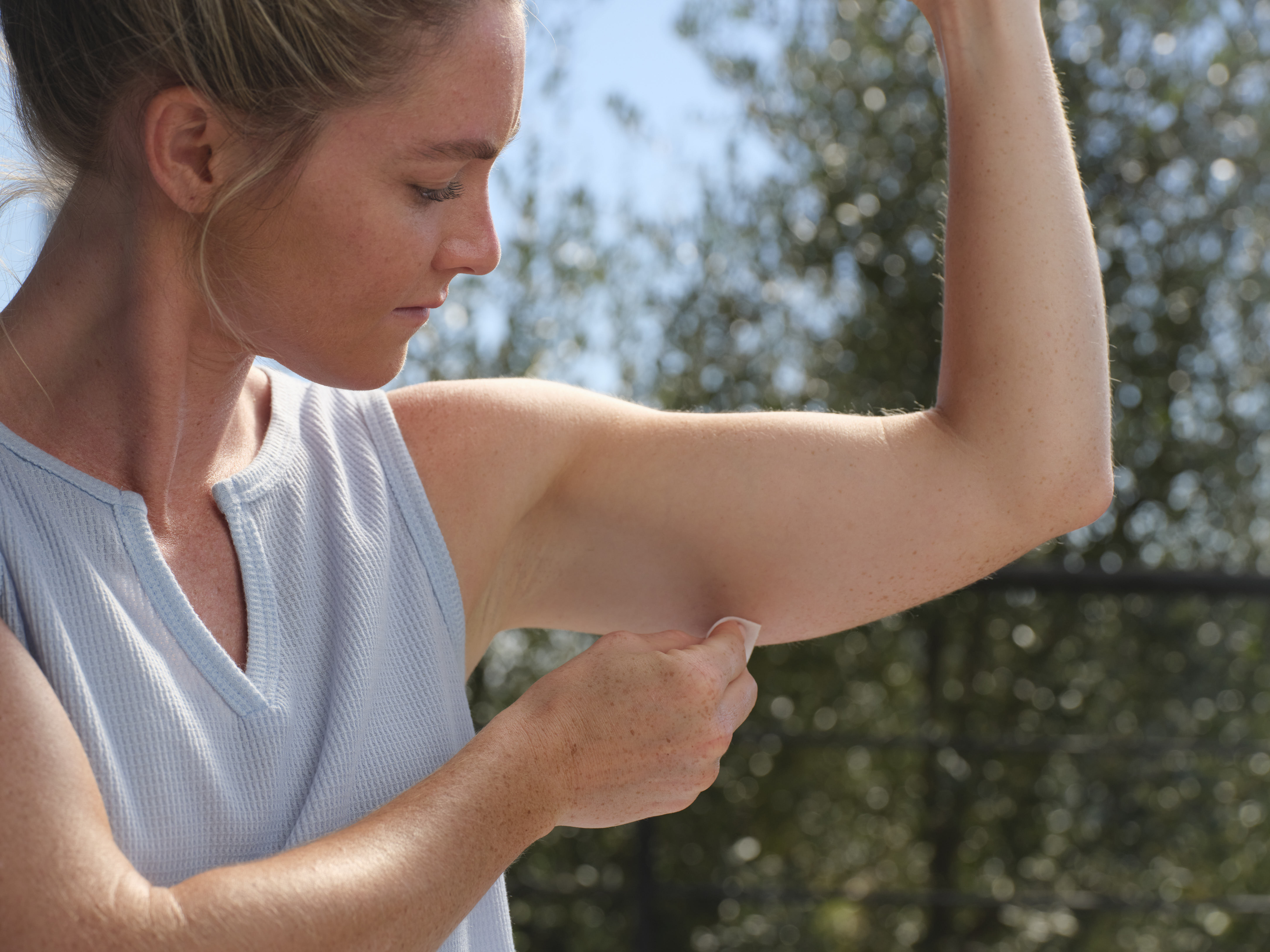
Before inserting your Instinct sensor, follow these simple steps:
✔ Wipe the area with an alcohol swab
✔ Wait for the skin to dry completely before inserting — this step is often skipped but makes a real difference
✔ Insert the sensor on clean, dry skin for the best adhesion and performance
Tip: Avoid applying lotions, oils, or sunscreen to the sensor site before insertion, as these can affect adhesion.
Tip #3: Stay connected
MiniMed pump users
Think of your pump and sensor as a team — they work best when they can "see" each other. To keep your sensor sharing real-time information seamlessly, keep your pump and sensor in line of sight. For the best connection, wear them on the same side of your body. The infusion set can be worn on either side.
If your pump is controlled by the MiniMed app, make sure your app and sensor stay within 20 feet to maintain a strong connection.
MiniMed Go users
Make sure your app and sensor stay within 20 feet to maintain a strong connection.
Staying mindful of positioning throughout the day can help prevent gaps in your continuous glucose data.
Tip #4: Scan like a pro
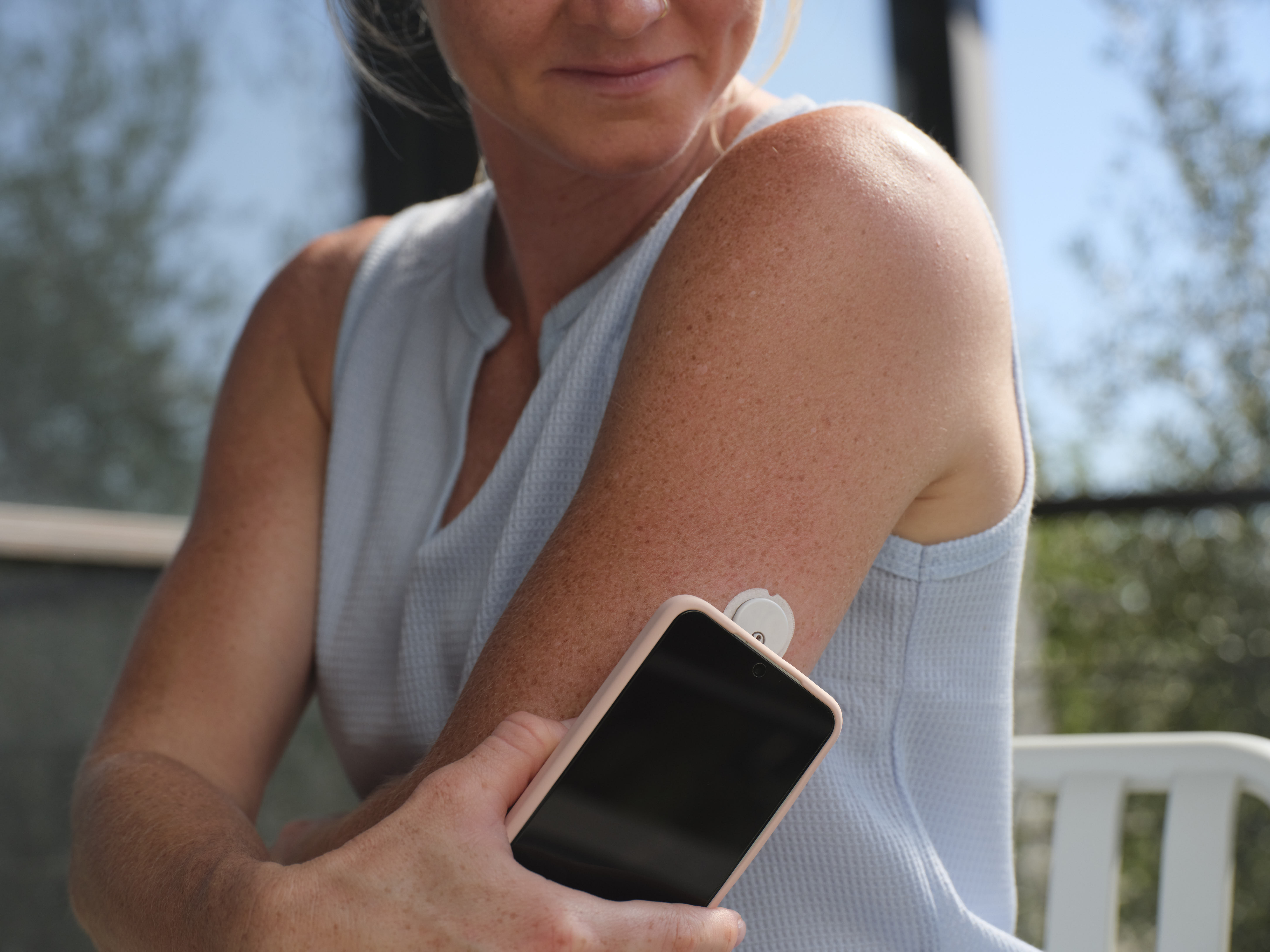
NFC (near-field communication) is used to connect the Instinct sensor to your device. Your phone has a built-in NFC antenna that makes this connection. The location of the antenna can vary by phone type and model, so you may need to move your phone around over the sensor to successfully pair.
Tip: If you are using an Apple device, hold the top of your device near your sensor. If you are using an Android device, hold the back of your device near your sensor.
Putting it all together
Success with the Instinct sensor comes down to four simple habits: smart placement, clean skin prep, staying in signal range, and confident scanning. When each of these pieces is in place, your MiniMed system can do what it does best — helping you manage your diabetes with greater ease and confidence.
Visit our Instinct sensor support and resources page for additional Instinct support needs.
©2026 Medtronic MiniMed, Inc. MiniMed and MiniMed logo are trademarks of Medtronic MiniMed, Inc. The sensor shape and appearance, Abbott, and “a” logo are marks and/or designs of the Abbott group of companies in various territories and used under license. Sensor image ©2026 Abbott. TM*Third–party brands are trademarks of their respective owners.