.png)


CareLinkTM software
Understand more about your diabetes with CareLink reports
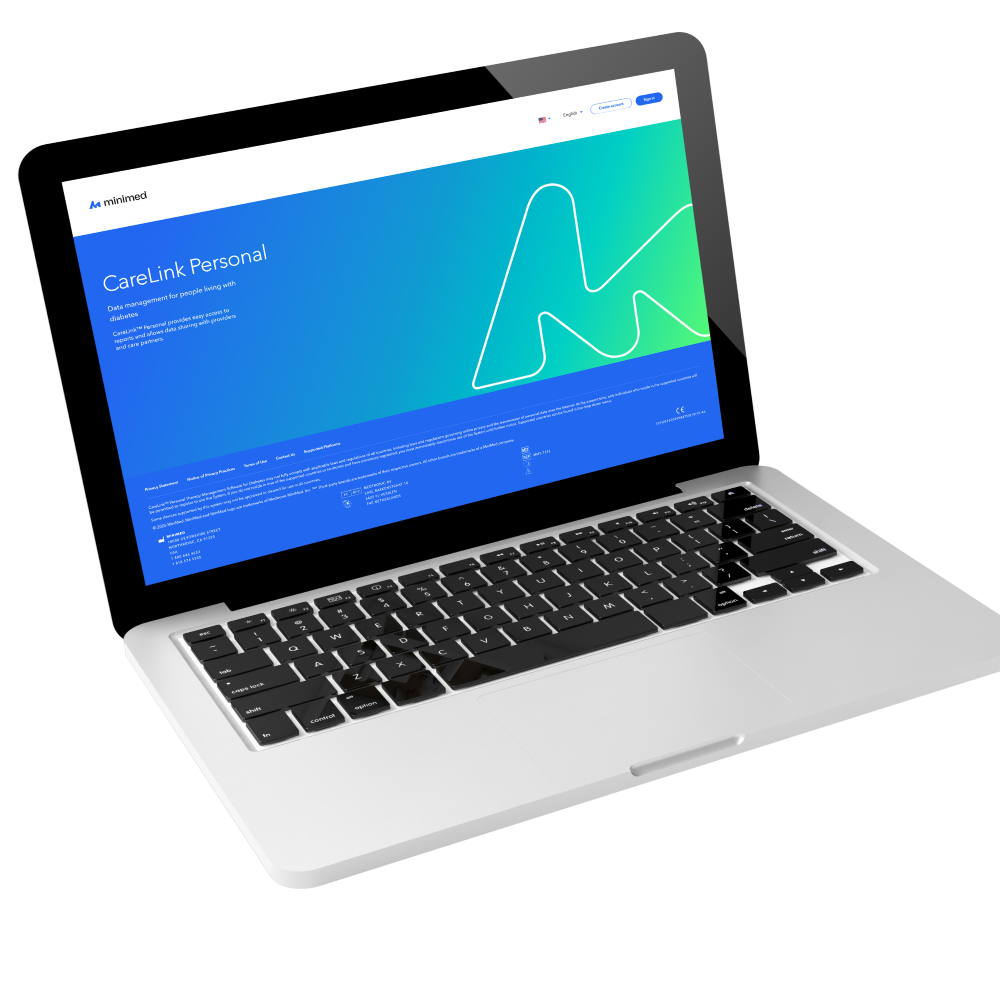
CareLinkTM Personal
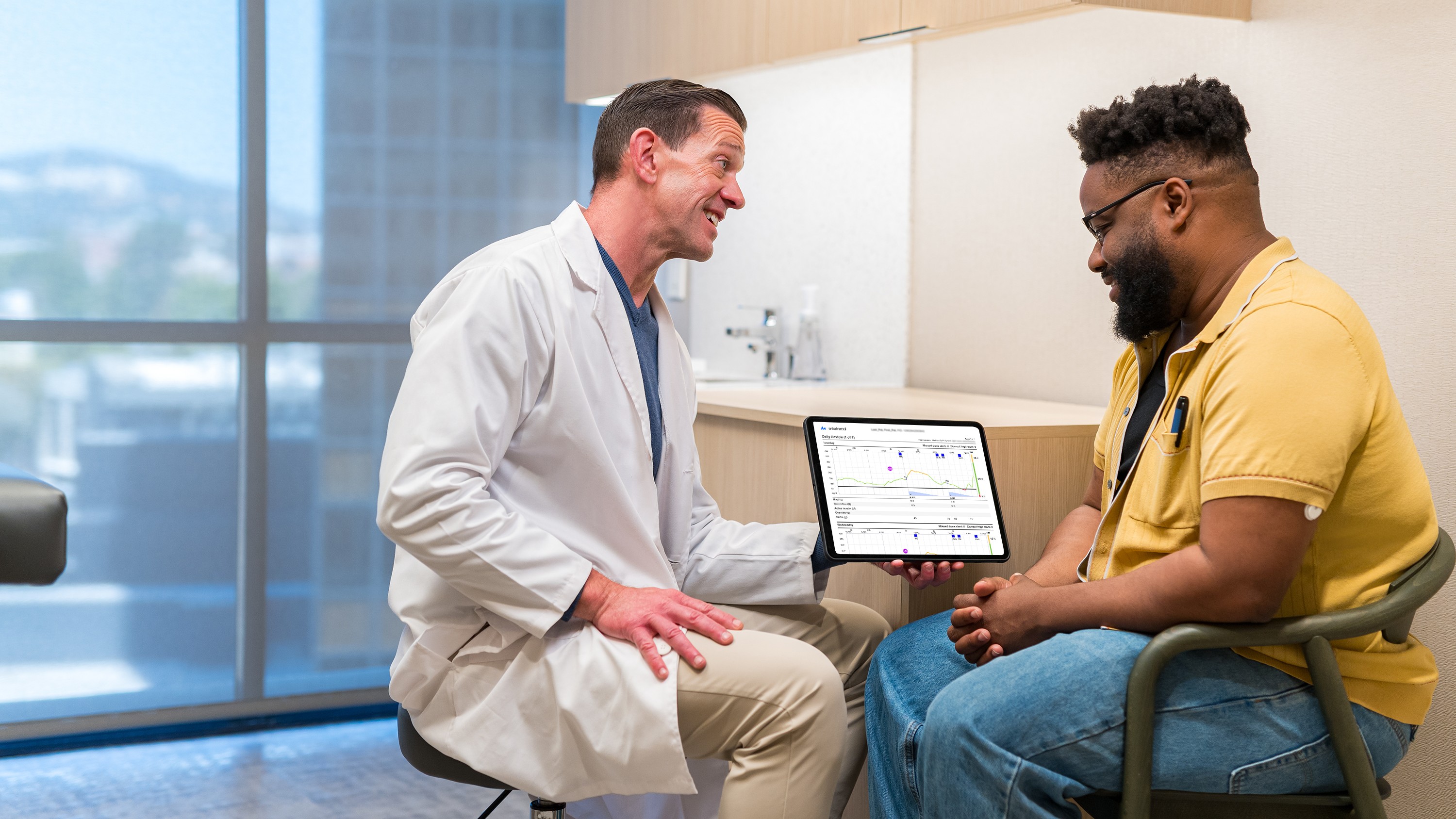
CareLink Personal software is a free web-based program that collects information directly from your insulin pump, continuous glucose monitor, blood glucose meter, and smart insulin pen. It allows you to generate easy-to-understand insights and reports about your sugar levels that can be used during your doctor’s visits and to monitor your own progress.

View and share reports with your doctor in just a few easy steps
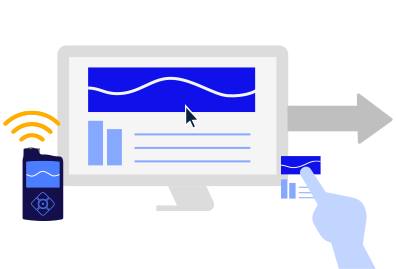
1. Upload CareLink data through MiniMedTM Mobile app’s Sync to CareLink feature, or the Blue Adapter.
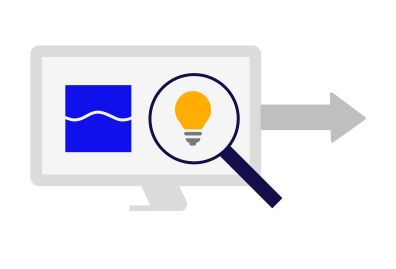
2. Review reports, such as the Assessment & Progress Report, to understand trends.

3. Discuss results with your healthcare team and develop your individual health plan.
Frequently asked questions
Who can use CareLinkTM Personal software?


Who can use CareLinkTM Personal software?
CareLinkTM Personal is designed for use by people with compatible devices and their care partners at home. Account creation is required with an active email account.
How can I register to use CareLinkTM Personal software?
How can I register to use CareLinkTM Personal software?
- Go to https://carelink.minimed.com
- A “Create an Account” button is available on the CareLink™ Personal homepage.
- You will need to select your country of residence, preferred language, and accept the terms of use and Privacy Statement.
- Follow the on-screen instructions to create your account.
- The final step will prompt you for a two-step authentication process to verify your registered email address. It will send an email to the address you register as part of setup with a verification code, which you must correctly enter before submitting your registration. Afterwards, when logging in, you may be prompted to do this process in the future depending on your country of residence’s security requirements. Your valid email address is very important to allow this to work.
What are the system requirements?
What are the system requirements?
The following computer operating systems (OS) support the use of CareLink™ Personal:
- Microsoft® Windows® 10, 11
- macOS®: Catalina 10.15, Big Sur 11, Monterey 12, Ventura 13
The following mobile OS support the use of CareLink™ Connect via CareLink™ Personal software (full functionality of CareLink™ Personal is not available via mobile OS):
- Apple® iOS: 13.x, 14.x, 15.x, 16.x
The following browsers support the use of CareLink™ Personal:
- Google Chrome™
- Apple Safari®
What do I do if I forget my username or password?
What do I do if I forget my username or password?
If you forgot your username, contact MiniMed 24-Hour Technical Support at 800-646-4633.
If you forget your password, there is a “Forgot password?” link available on the home page. You must enter your username, email address, and verify the ReCAPTCHA to submit a password reset request. After successfully submitting your request, an email will be sent to the email address on file with a link to reset your password.
If you still have issues with the “Forgot password?” process, you may contact MiniMed 24-Hour Technical Support at 800-646-4633.
What do I need to upload to CareLinkTM Personal software from my device?
What do I need to upload to CareLinkTM Personal software from my device?
If uploading data from a pump, you will need one (1) of the following:
- MiniMed™ Mobile app for MiniMed™ 700 series pump systems
- Blue Adapter device for MiniMed™ 700 series pump systems
- CareLink™ USB device for the MiniMed™ Paradigm™ pump systems or MiniMed™ 600 series pump systems
NOTE: The white CareLink™ USB used with MiniMed™ Paradigm™ pump systems is not compatible with Mac® operating systems. On Mac®, you should use the Ascensia CONTOUR® NEXT LINK meter. - Ascensia CONTOUR® NEXT LINK for MiniMed™ Paradigm™ systems
- Ascensia CONTOUR® NEXT LINK 2.4 or CONTOUR® PLUS LINK 2.4 for MiniMed™ 600 series systems
If uploading data from a meter, you may need:
- Manufacturer supplied meter cables
How do I share data with my healthcare provider?
How do I share data with my healthcare provider?
If you are physically in a clinic with your healthcare professional, you can share your data by entering your CareLink™ Personal username and password into their computer. Otherwise, if you provide your HCP your CareLink™ Personal username only, they will be able to send you a request remotely to share your data.
How do I generate a CareLinkTM report?
How do I generate a CareLinkTM report?
Login to your CareLinkTM Personal account. Click Reports in the left-hand column. Select the date range of the data you would like to view using the calendar at the top of the page and then select the reports you would like to generate below by clicking on the circle in the tiles. Once you have selected a time frame and report types, click Generate Reports.
You can narrow down your report options by selecting the data type at the top of the report tiles. You can choose “Insulin Pump,” “Standalone CGM,” or “Meter.” Unsuitable reports based on the selection will be grayed out.
Important Safety Information: CareLinkTM Software
The CareLinkTM software is intended for use as a tool to help manage diabetes. The purpose of the software is to take information transmitted from insulin pumps, glucose meters and continuous glucose monitoring systems, and turn it into CareLinkTM reports. The reports provide information that can be used to identify trends and track daily activities—such as carbohydrates consumed, mealtimes, insulin delivery, and glucose readings. NOTE: CareLinkTM report data is intended for use as an adjunct in the management of diabetes only and NOT intended to be relied upon by itself. Patients should consult their healthcare providers familiar with the management of diabetes prior to making changes in treatment. For additional safety information and user guides, see https://link.minimed.com/Risks.