.png)


Adding a new basal pattern
Device: MiniMed™ 780G insulin pump
- From the Home screen, press Select.
- Select Settings.
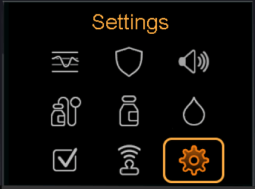
- Select Delivery Settings.
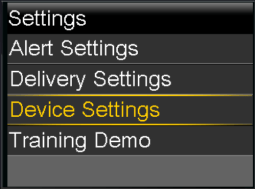
- Select Basal Pattern Setup.
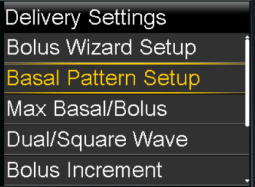
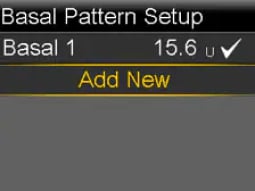
- To add a new basal pattern, select Add New.
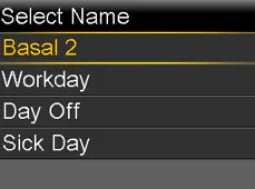
- Select a basal pattern name.
- Press Select on the time segment.
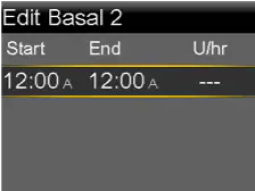
- To set one continuous 24-hour basal rate, leave the end time at 12:00A by pressing Select. To set multiple basal rates, set the end time for the first rate using up and down buttons and press Select again.
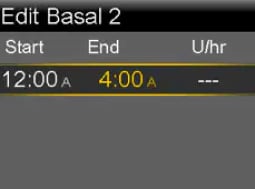
- Use the up and down buttons to set your rate in units per hour. Press Select.
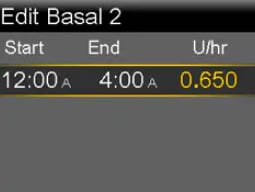
- Continue to set rates for the different time periods as needed. The End time for your last rate must be set to 12:00A. Press Select after each entry.
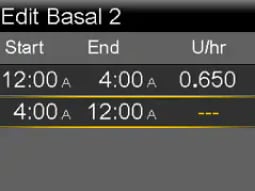
- Select Review.
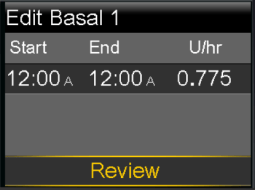
Review basal rates. The End time of the final segment must be 12:00A to complete the pattern.
- Select Save.
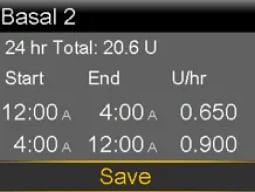
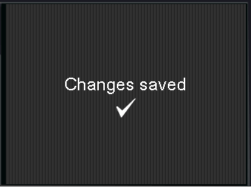
- The Changes saved screen confirms that your changes have been saved. If you do not see this screen, your changes were NOT saved to the pump.