.png)


Changing an active basal pattern
Device: MiniMedTM 780G insulin pump
- From the Home screen, press Select.
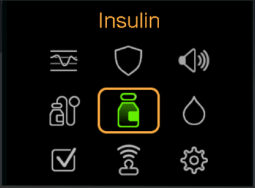
- Select Insulin.
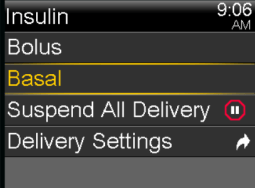
- Select Basal.
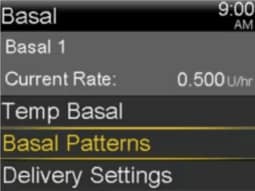
- Select Basal Patterns.
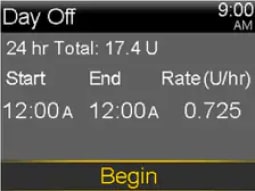
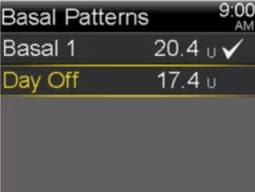
- Select the Basal Pattern you wish to be active. The checkmark indicates which basal pattern is active.
- Select Begin.