.png)


MiniMedTM 670G system support and resources
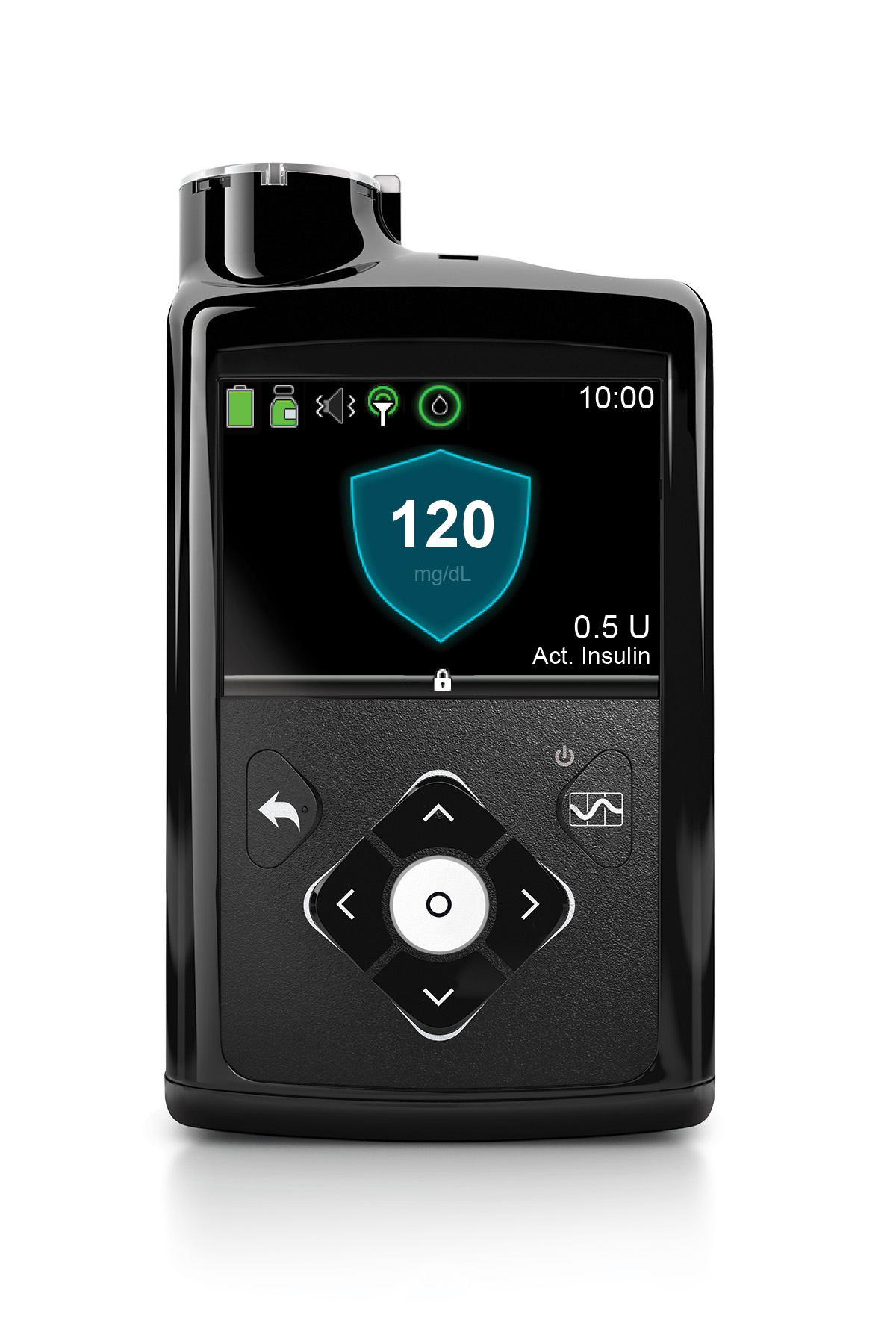
Easily navigate through our comprehensive user guide by expanding the sections below for your given topic and locating the page number.
Pump features


Pump features
- Find your model number
- Find your serial number
- Changing your battery (Page 64)
- Pump buttons (Page 62)
- Reading your device screen (Page 69)
- Status screen (Page 74)
- Screen lock (Page 68)
- Using the startup wizard (Page 66)
- Updating time and date (Page 192)
- Suspending and resuming insulin delivery (Page 101)
- Saving, restoring & viewing your pump settings (Page 187)
- Display options (Page 185)
- Audio options (Page 183)
- Airplane mode (Page 181)
- Alerts and alarms quick reference
Basal settings
Basal settings
- Add a basal rate to a basal pattern (Page 89)
- Setting a temp basal (Page 96)
- Cancel a temp basal rate (Page 100)
Bolus settings
Bolus settings
- Entering your Bolus Wizard settings (Page 113)
- Deliver food and correction bolus (Page 121)
- Deliver correction bolus without food (Page 124)
- Checking bolus history (Page 165)
- Edit Bolus Wizard settings (Page 115)
- Deliver food bolus without a correction
Infusion sets
Infusion sets
Meter
Meter
- Connecting the Meter (Page 157)
SmartGuardTM Auto Mode
SmartGuardTM Auto Mode
- About Auto Mode (Page 249)
- Before Using Auto Mode (Page 250)
- Turning on Auto Mode (Page 251)
- Auto Mode Readiness (Page 253)
- Home Screen with Auto Mode (Page 256)
- Safe Basal (Page 256)
- Block Mode When in Auto Mode (Page 258)
- Setting and Cancelling a Temp Target (Page 259)
- Auto Mode Sensor Graph (Page 260)
- Enter a Blood Glucose (BG) in Auto Mode (Page 261)
- Auto Mode Bolus (Page 262)
- Alert Silence (Page 265)
- Exiting Auto Mode (Page 2670
- Returning to Auto Mode (Page 268)
- Auto Mode Readiness Quick Reference


.png)
