.png)


Changing the language
Device: MiniMed™ 780G insulin pump
Pump software version: 6.21, 6.42, and 6.61 (Find software version)
You can change the language that your pump uses to display information.
To change the Language setting:
- From the Home screen, press Select.
- Select Settings.
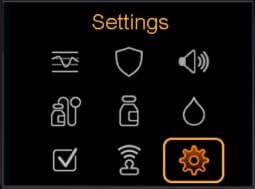
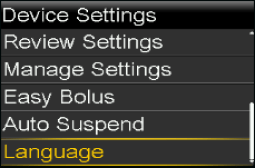
- Select Device Settings. Scroll down and select Language.
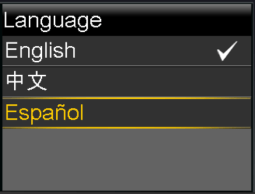
- A checkmark indicates which language is active. Select your desired language.
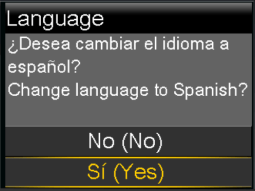
- Select Yes when the confirmation message appears.