.png)


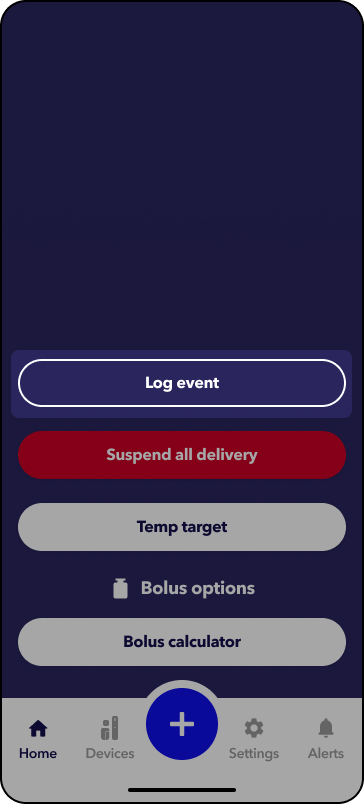
How to log an event
Events are activities or situations that may affect glucose levels. In the MiniMedTM app, you can log manual blood glucose entries or notes to document events, such as exercise, stress, or illness.
When you log an event, it appears on your therapy graph and in your daily history under the Profile menu.
Some events also appear in your CareLinkTM reports, which helps your care team understand factors that may be impacting your glucose levels.
 .
.
3. Tap Blood Glucose.
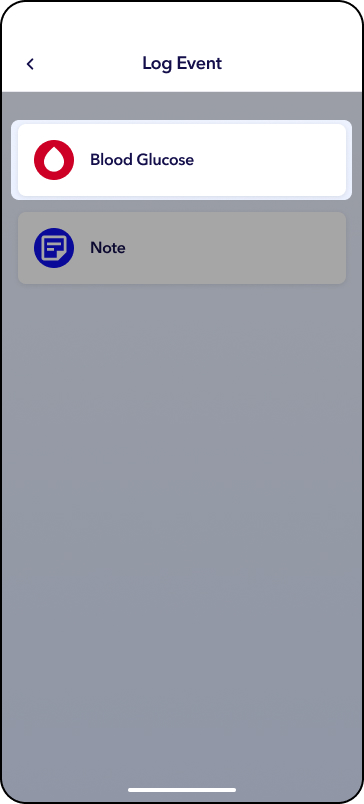
4. Enter in the BG value from your blood glucose meter.
5. Tap Log blood glucose button when finished.
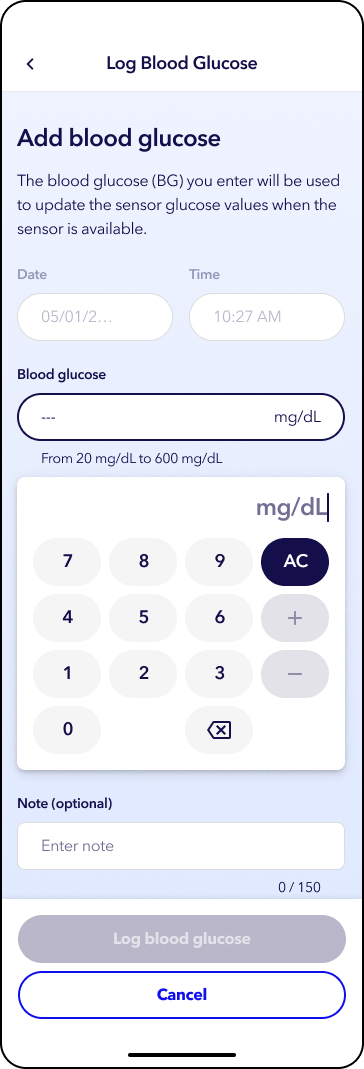
The BG icon will appear in the sensor trend graph on the Home screen.
3. Tap Note.
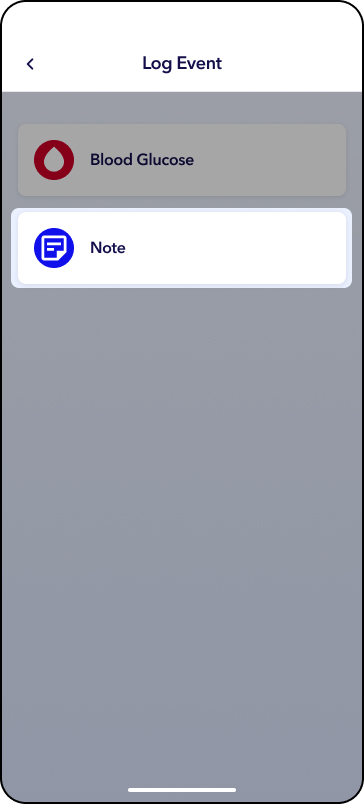
4. Tap the note section and begin typing.
5. Tap Log note.
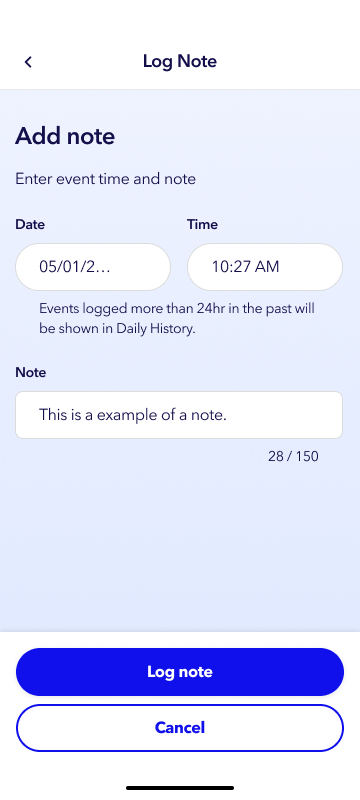
The Note icon will appear in the sensor trend graph on the Home screen.
You can log a note at any time. If you are logging a note for an earlier event, you can change the date and time before saving the note.