.png)


Setting Temp Target in SmartGuardTM mode
Device: MiniMed FlexTM insulin pump
You can set a temporary sensor glucose (SG) target (Temp Target) of 150 mg/dL for situations when less insulin is needed, such as exercise. Check with your healthcare professional regarding the use of Temp Target.
Note: The Auto correction feature is not active during an active Temp Target. It will resume after the Temp Target is complete.
To set Temp target:
1. From the app home screen, tap 
2. Tap Temp target.
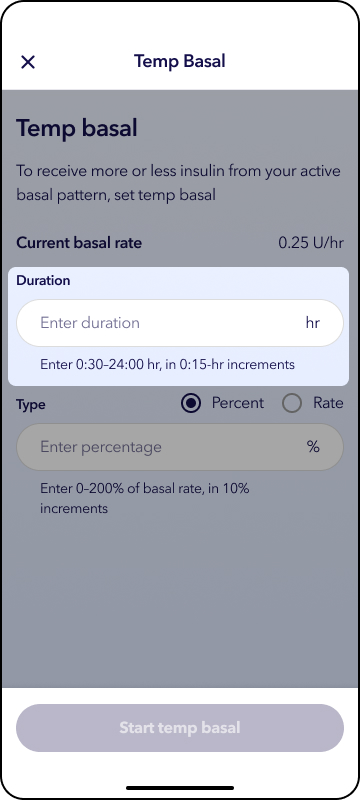
3. Enter the duration time and tap Start temp target.
4. A banner appears near the top of the home screen showing that temp target is active.
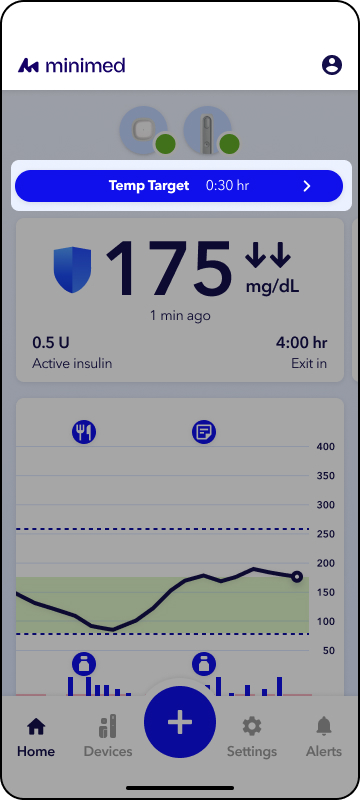
You can stop the temp target and return to normal delivery sooner if needed.
To stop a Temp target:
1. From the app home screen, tap Temp target banner.
2. Tap Stop temp target.
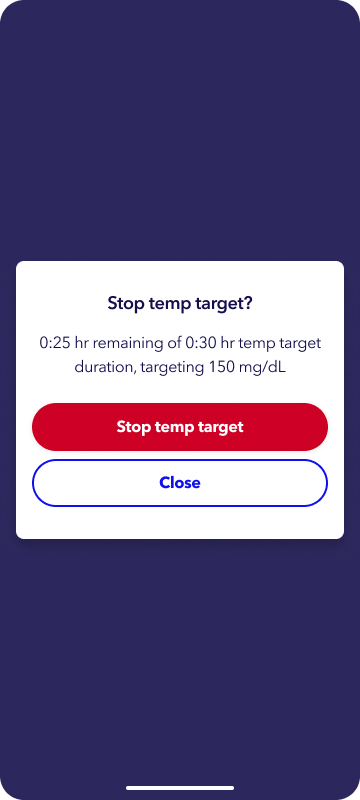
The Temp target will be canceled, and the home screen banner will be removed.