.png)


Introducing the MiniMedTM 780G system
Meet the MiniMedTM 780G system
Recorded November 15, 2023
Topics
- Overview of the MiniMed™ 780G system
- Real-world outcomes
- Key learnings and best practices
- Hear from an actual
- MiniMed™ 780G system user
- Live Q&A

Getting the most out of your MiniMedTM 780G system: Tips and truths
Recorded October 26, 2023
Topics
- Overview of the MiniMedTM 780G system
- Real-world outcomes
- Hear from an actual
- MiniMedTM 780G system user
- Frequently asked questions
Introducing the MiniMedTM 780G system
Recorded June 1, 2023
Topics
- How does the MiniMed™ 780G system work?
- Real patient story
- How to get the system
- Q&A
Introducing the MiniMedTM 780G system
Recorded May 15, 2023
Topics
- How does the MiniMedTM 780G system work?
- Real patient story
- How to get the system
- Q&A
Frequently asked questions
Do I need to get a prescription from my doctor, or does Medtronic reach out to him/her?


Do I need to get a prescription from my doctor, or does Medtronic reach out to him/her?
MiniMed will work with your healthcare provider to obtain a prescription after the order is created.
Where does my doctor need to send my prescription?
Where does my doctor need to send my prescription?
After your order is placed, you may have your healthcare provider fax your prescription to 866-874-3150.
What is the out-of-pocket/cash cost for the MiniMedTM 780G system?
What is the out-of-pocket/cash cost for the MiniMedTM 780G system?
MiniMed insulin pumps are covered by most insurance plans. Your out-of-pocket cost varies depending on your insurance. We also offer financial assistance and monthly payment programs. If you would like to receive an insurance coverage check, call us at 888-350-5440 (M-F 9:00 a.m. – 6:00 p.m. CT). For customers on Medtronic insulin pumps, sign in to Diabetes.shop to see your options. Terms and conditions apply.
Will the MiniMedTM 780G system be compatible with Apple® watch?
Will the MiniMedTM 780G system be compatible with Apple® watch?
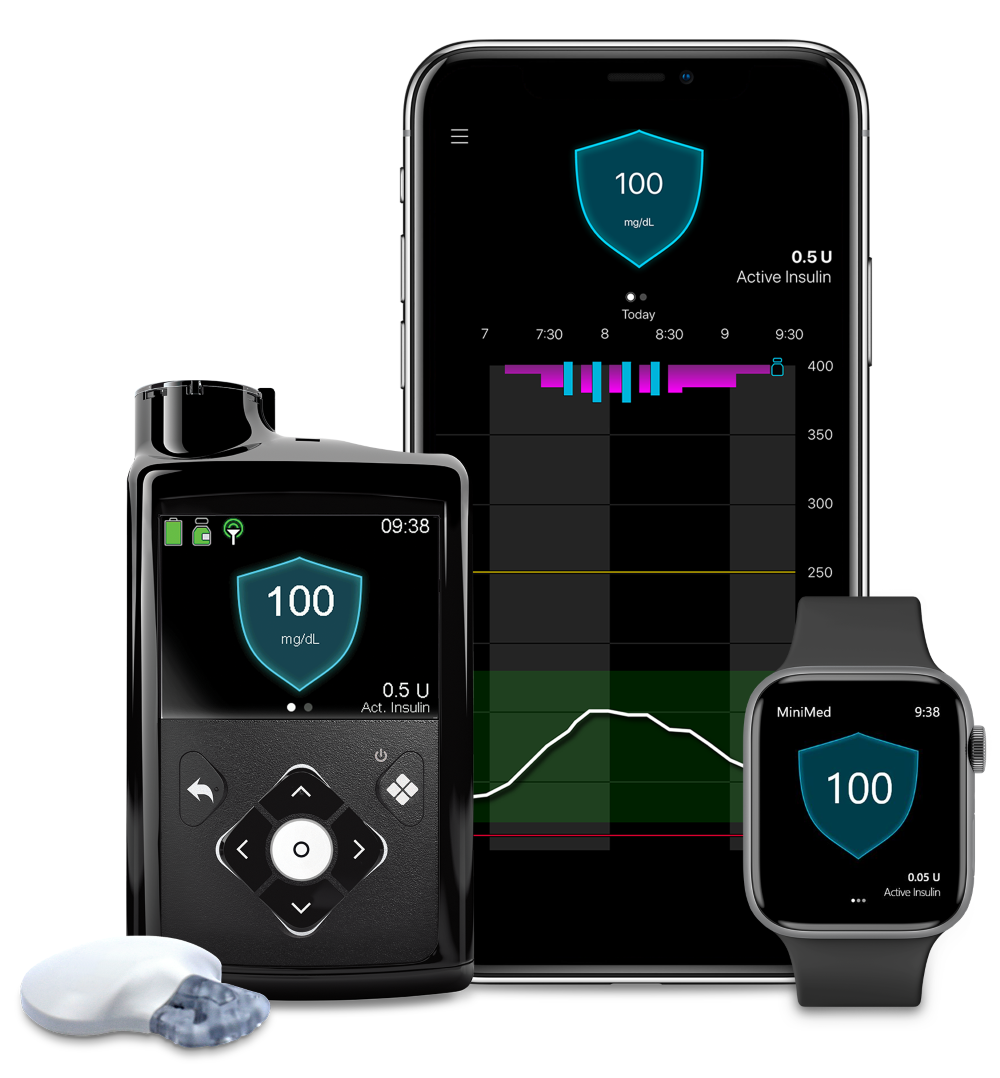
Yes, the MiniMedTM 780G system is compatible with the Apple® watch Series 4 and above. For a full list of compatible devices, visit MiniMed Device Compatibility.
How does the MiniMedTM 780G system bolus for fat and protein?
How does the MiniMedTM 780G system bolus for fat and protein?
The MiniMedTM 780G system does not differentiate between protein, fat, or carbohydrate. It automatically adjusts† and corrects‡ sugar levels every 5 mins based off sensor glucose readings when in SmartGuardTM technology. Patients will still need to bolus in SmartGuardTM for meals. With Meal DetectionTM technology,§ if the system detects a meal based on rise in sensor glucose levels, it automatically delivers stronger correction† doses up to every 5 minutes§ for those occasional missed meal doses or undercounted carbs.
† Taking a bolus 15 – 20 minutes before a meal helps to keep blood sugar levels under control after eating.
‡ Refers to auto correct, which provides bolus assistance. Can deliver all auto correction doses automatically without user interaction, feature can be turned on and off.
§ Refers to SmartGuardTM feature. Individual results may vary.