.png)


MiniMedTM 770G system support and resources
Easily navigate through our comprehensive user guide by expanding the sections below for your given topic and locating the page number.
Product support
Pump information


Pump information
- Find your model number
- Find your serial number
- Changing your battery (Page 62)
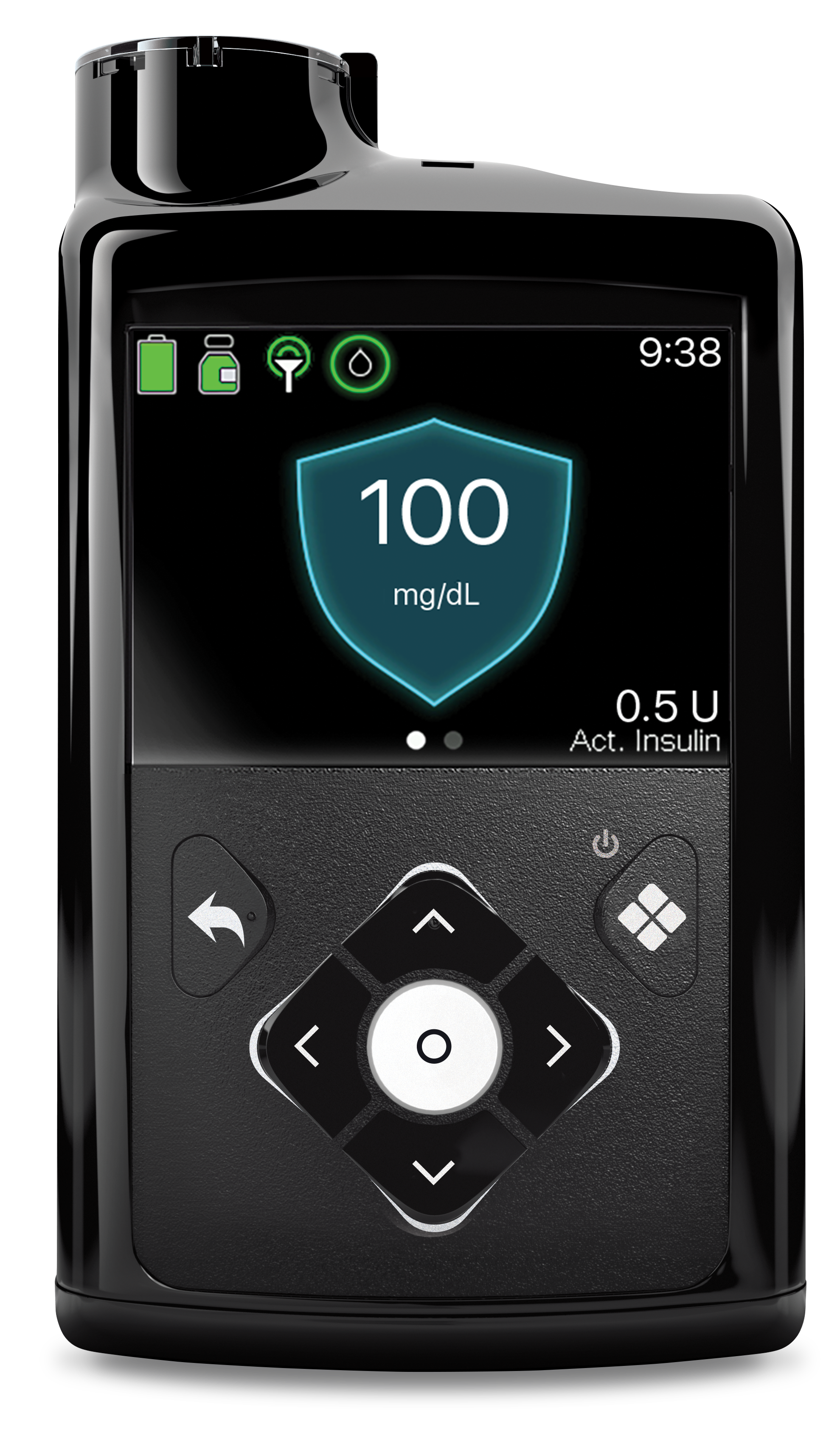
- Pump buttons (Page 60)
- Reading your device screen (Page 67)
- Menu map (Page 73)
- Status screens (Page 74)
Pump features
Pump features
- Using the Startup Wizard (Page 65)
- Updating time and date (Page 193)
- Stopping and resuming insulin delivery (Page 100)
- Managing your pump settings (Page 187)
- Changing the language on your pump (Page 186)
- Adjusting screen brightness and time out (Page 185)
- Audio controls (Page 183)
- Pump alerts, alarms and messages (Page 271)
Accu-Chek® Guide Link Meter
Accu-Chek® Guide Link Meter
- Parts of the Accu-Chek® Guide Link Meter (Page 155)
- Pairing the meter (Page 156)
Basal settings
Basal settings
- Basal Rates and Basal Patterns (Page 85)
- Editing a Basal Pattern (Page 92)
- Adding a New Basal Pattern (Page 89)
- Setting a Temp Basal (Page 94)
- Programming a Preset Temp Basal (Page 97)
- Starting a Preset Temp Basal (Page 98)
- Cancelling a Temp Basal Rate (Page 99)
Bolus settings
Bolus settings
- Bolus Types (Page 105)
- Setting Up the Bolus Wizard™ Feature (Page 112)
- Using the Bolus Wizard™ Feature (Page 113)
- Delivering a Manual Bolus (Page 122)
- Delivering a Square Wave™ and Dual Wave™ Bolus (Page 124)
- Setting Up and Delivering an Easy Bolus (Page 130)
- Setting Up and Delivering a Preset Bolus (Page 132)
- Stopping a Bolus (Page 134)
Infusion sets
Infusion sets
SmartGuardTM Auto Mode
SmartGuardTM Auto Mode
- About SmartGuard™ Auto Mode and Manual Mode (Page 247)
- Before using SmartGuard™ Auto Mode (Page 248)
- Setting up SmartGuard™ Auto Mode (Page 249)
- SmartGuard™ Auto Mode Readiness (Page 251)
- Home Screen with SmartGuard™ Auto Mode (Page 254)
- Safe Basal (Page 255)
- Block Mode when in SmartGuard™ Auto Mode (Page 257)
- Setting a Temp Target (Page 258)
- SmartGuard™ Auto Mode sensor graph (Page 259)
- SmartGuard™ Auto Mode Enter BG (Page 260)
- SmartGuard™ Auto Mode Bolus (Page 261)
- Alert silence (Page 263)
- Exiting SmartGuard™ Auto Mode (Page 266)
- Returning to SmartGuard™ Auto Mode (Page 267)