.png)


Instinct sensor support for use with
the MiniMed Flex system
Select the topic that fits your support needs:
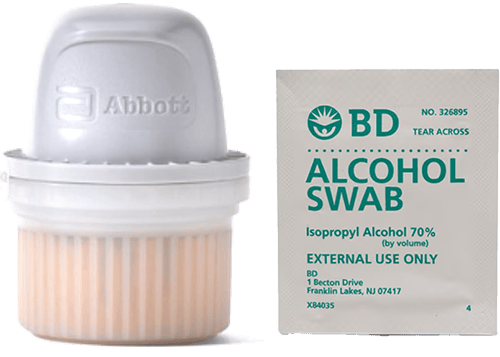
Before you insert your sensor, gather all of your supplies:
- The Instinct sensor, which is individually packaged and comes in an all-in-one applicator.
- Alcohol wipes to clean the insertion site.

Know your sensor life
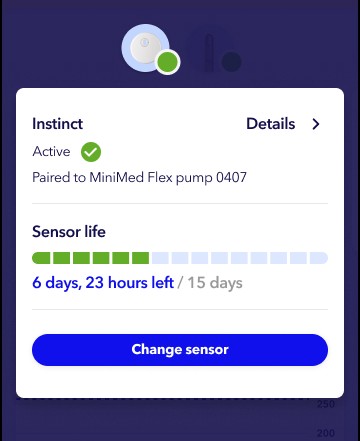
The Instinct sensor lasts up to 15 days.
You can always see how many days of sensor life remain by tapping the device icon on the Home screen.
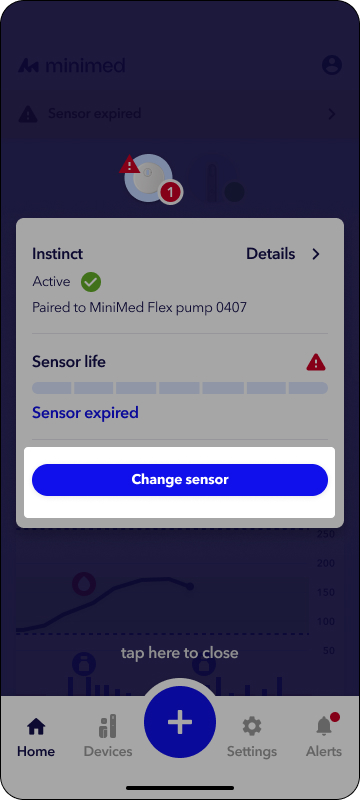
The sensor device icon  will turn red to let you know when it is time to change your sensor. Tap the icon to learn more about what is needed.
The Instinct sensor is indicated for wear only on the back of the upper arm for ages 7 and older when used with the MiniMed FlexTM pump. Avoid scars, moles, stretch marks, or lumps. Pick a flat site that doesn’t bend and keep at least 1 inch from insulin infustion sites.
For best connection, wear your pump and Instinct sensor on the same side of your body, with a clear line of sight between them. Your infusion set can be worn on either side.

The Instinct sensor must be paired to the Flex pump to use the sensor. When paired, the pump and sensor communicate with each other through a Bluetooth connection. Only one sensor can be paired with the pump.
To start the sensor:
- Open the MiniMed app.
- Tap the Instinct sensor status icon .
- Tap Change sensor.
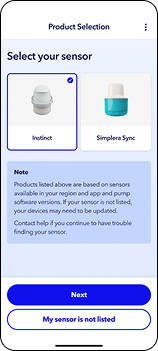
4. Tap Instinct sensor, then tap Next. It is now time to apply the sensor.
1. Prep the skin. Wash with plain soap, dry, clean with alcohol wipe, then let dry.
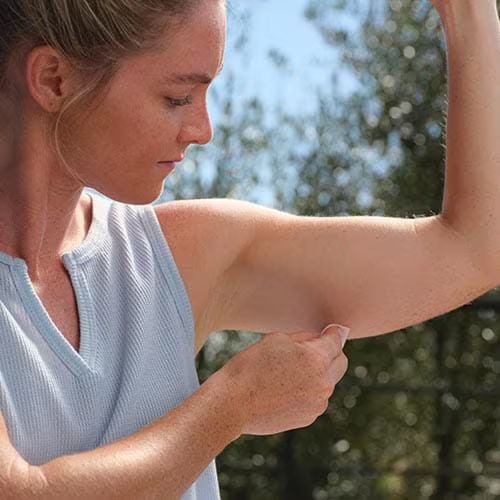
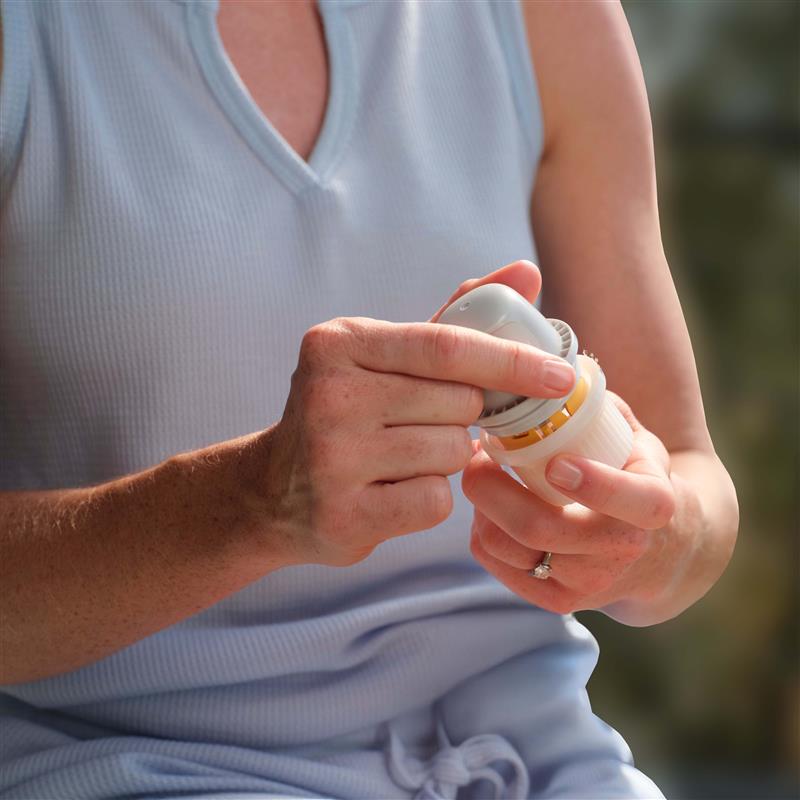
2. Prepare the sensor. Unscrew the cap from the Sensor Applicator.
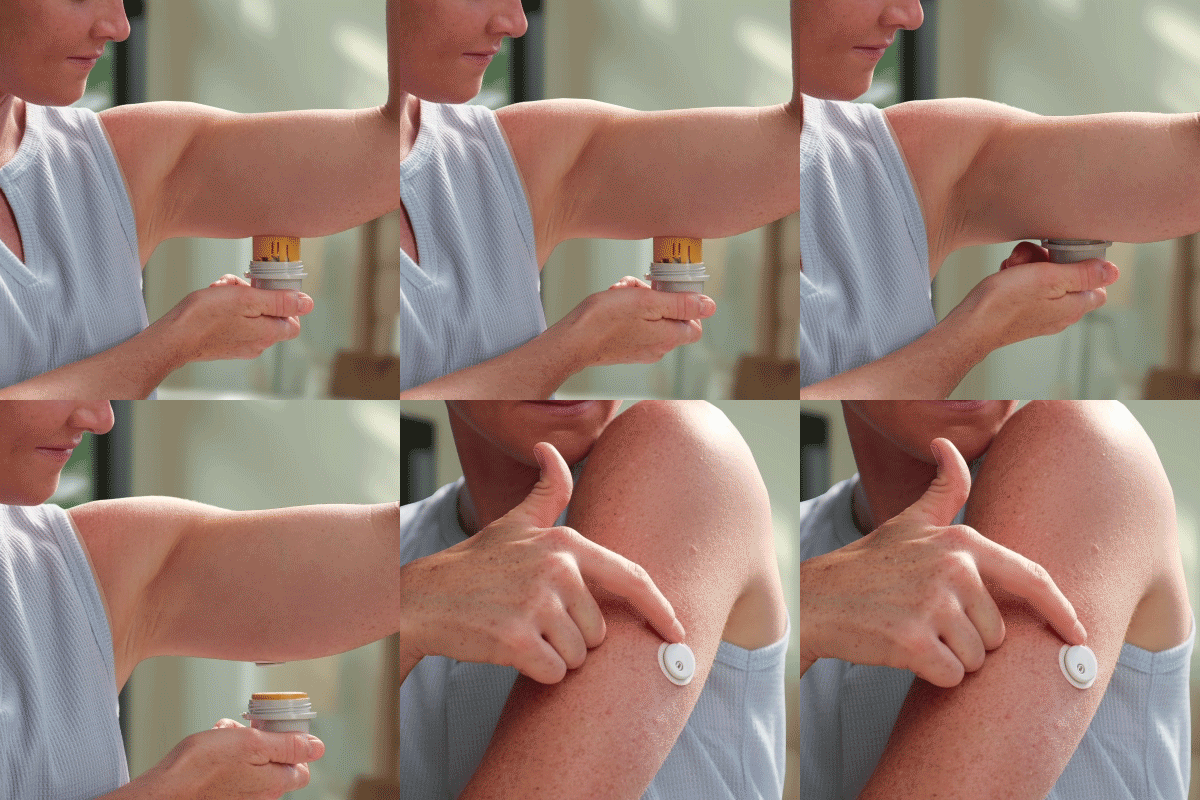
3. Apply the sensor. Push down firmly to apply sensor, then gently pull Sensor applicator away from body. Make sure sensor is secure.
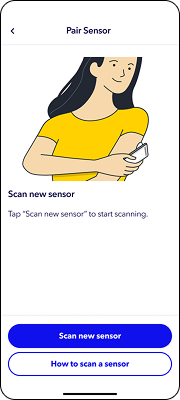
1. Tap Scan new sensor. If you are using an iOS device, hold the top of your device near your sensor. If you are using an Android device, hold the back of your device near your sensor.
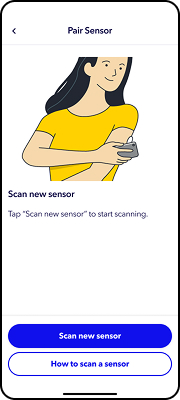
iOS
Android
2. Your phone will vibrate, letting you know your scan was successful. Your Instinct sensor will begin to pair with your MiniMed Flex insulin pump and the 1-hour warm-up begins. Tap Done in the app.
The 1-hour sensor warm-up message will appear on the Home screen until the sensor warm up is complete.
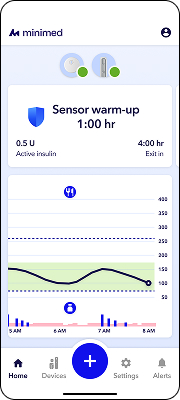
After the warm-up is complete, the pump begins receiving sensor glucose readings.