.png)


MiniMed Flex system training resources
Congratulations on your new system!
Everything you need to get started — all in one place. Open each section to explore.
Get to know the system
As soon as your system arrives, it’s a great idea to start getting familiar with it.
Important: Don’t enter any insulin settings into your system yet. Your trainer will help you with setup during training.
System components

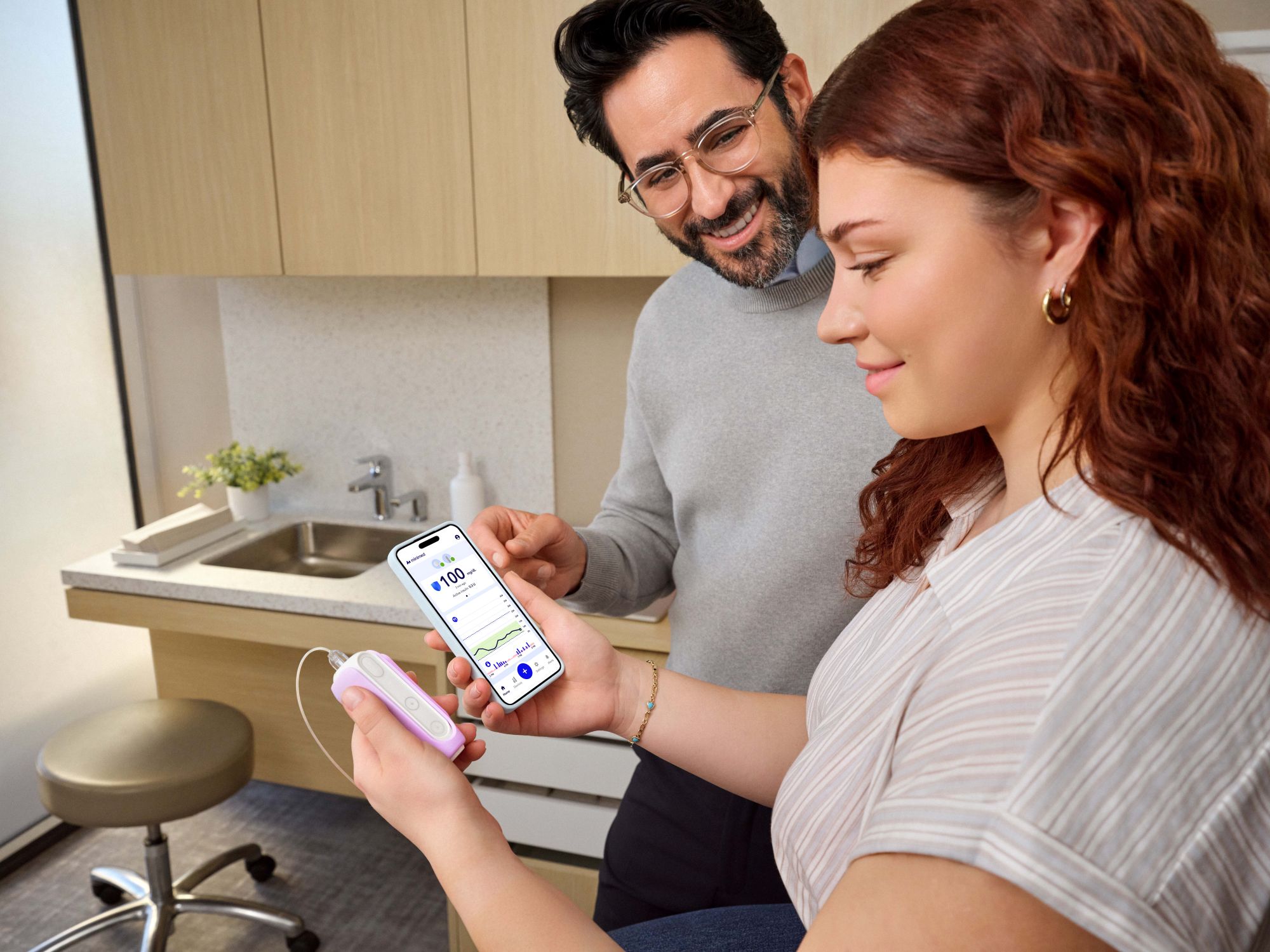
MiniMedTM app
This is your all-in-one screen and controller for the MiniMed FlexTM pump.
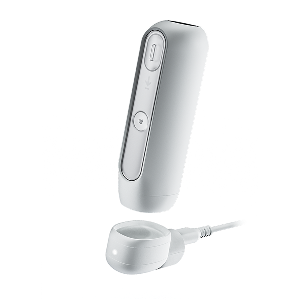
MiniMed FlexTM insulin pump
This app-controlled pump delivers insulin into your body through the infusion set.
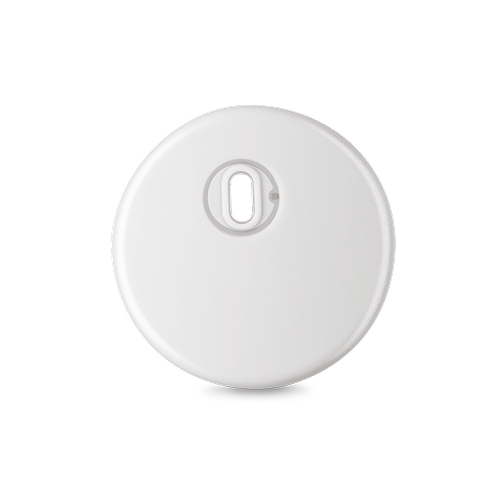

Instinct sensor, made by Abbott
Small and discreet1 sensor that continuously monitors your levels and works with your insulin delivery system, and can be worn for up to 15 days.
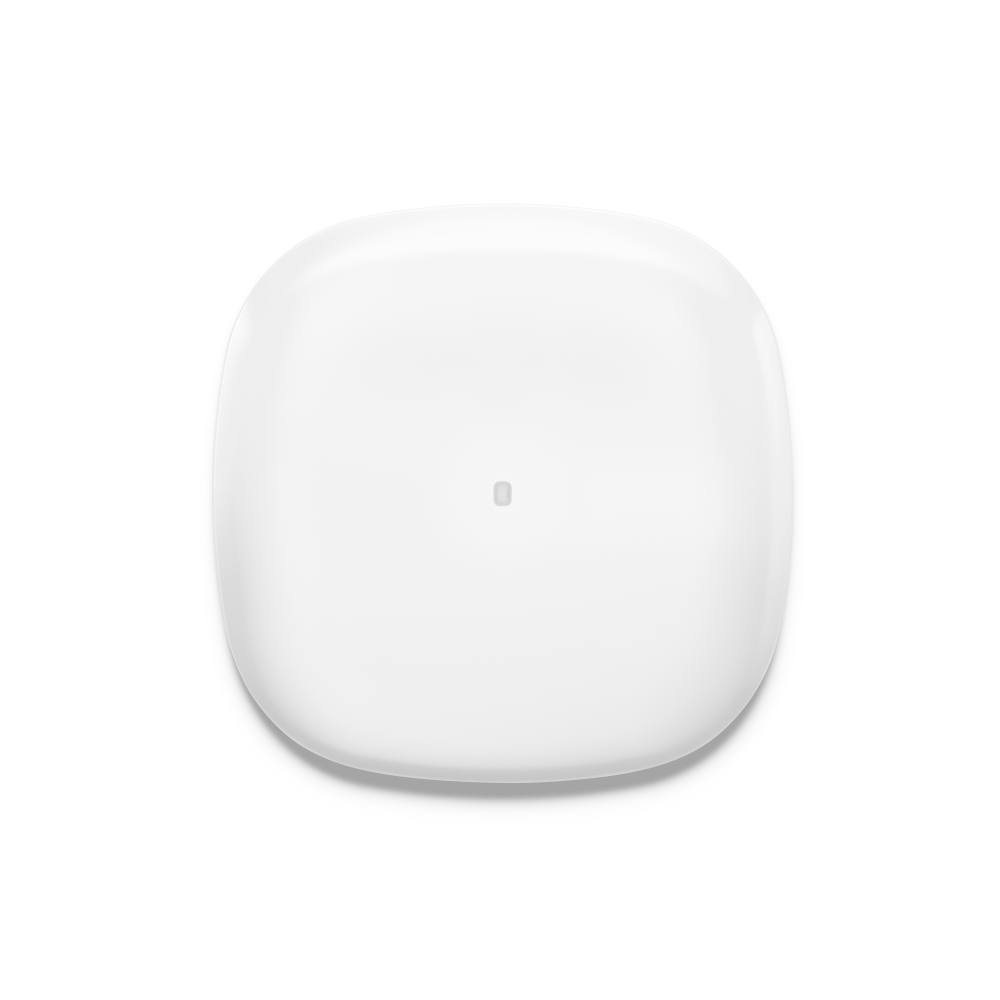
Simplera SyncTM sensor
An all-in-one continuous glucose monitor (CGM) that measures glucose in the fluid under your skin and sends sensor glucose values to the pump.
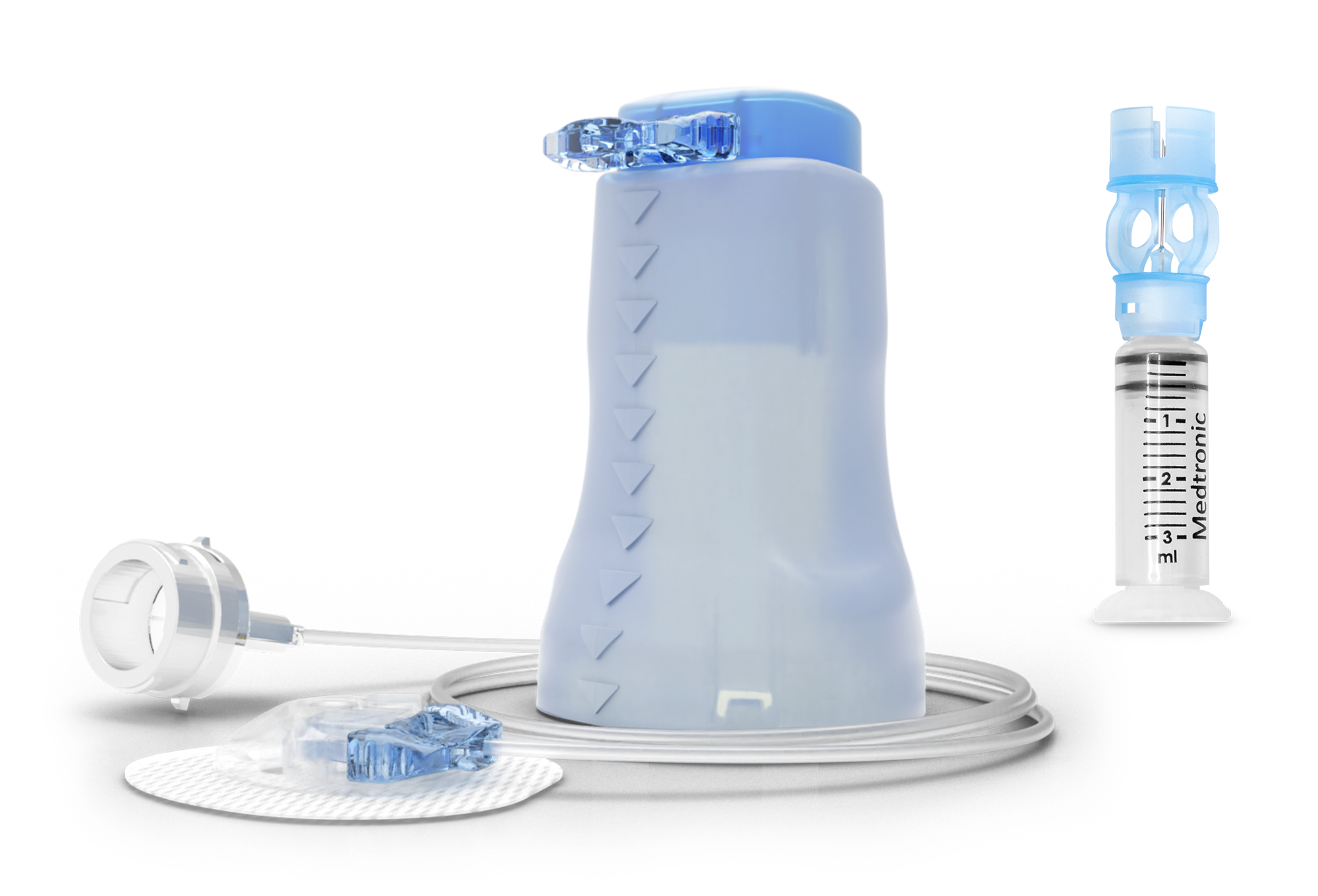
Reservoir and infusion set
The reservoir gets filled with insulin and placed into the pump. It connects to the tubing of the infusion set which delivers insulin from your pump into your body through a cannula. You will need a vial of rapid‑acting or ultra‑rapid insulin for training.† Contact your healthcare professional for a prescription.
Note: Your infusion set may look different.
Prepare for training
Get ready for training! A MiniMed trainer will guide you through your training. They’ll connect with you directly to get everything started. In the meantime, check out these resources.
Reminder: Don’t enter any insulin settings into your system until your trainer walks you through it. This helps keep you safe and ensures your system is set up correctly.
If you are currently on the MiniMedTM 780G system, please note the following:
- The Instinct sensor cannot be transferred to your new MiniMed Flex system. To avoid losing remaining sensor wear time, finish your current sensor session first. Then, start your training and set up the MiniMed Flex system.
- The Simplera SyncTM sensor can transfer to your new MiniMed Flex system. You will need your sensor serial number and code, which can be found on the sensor inserter or box, or in your MiniMed 780G pump by navigating to: Main Menu > Status > Sensor Status.
- At least 2 days before starting your training, make sure to sync your data to CareLinkTM from your MiniMed Mobile app. To do so, tap the menu icon in the top left corner of your app screen > Settings > CareLink > scroll down and tap Upload Now.
This will manually download your current data to the CareLink cloud.
When you're ready, your online training will guide you through unpairing your sensor from your MiniMed 780G pump and pairing it with your new MiniMed Flex system.
Download the MiniMedTM Simulator app and start practicing!



Additional resources



Footnotes
† The MiniMed Flex system is cleared for use with U-100 Novolog®, Humalog®, Admelog®, Fiasp®, and Lyumjev®.
References
1. Data on file, Abbott Diabetes Care, Inc.